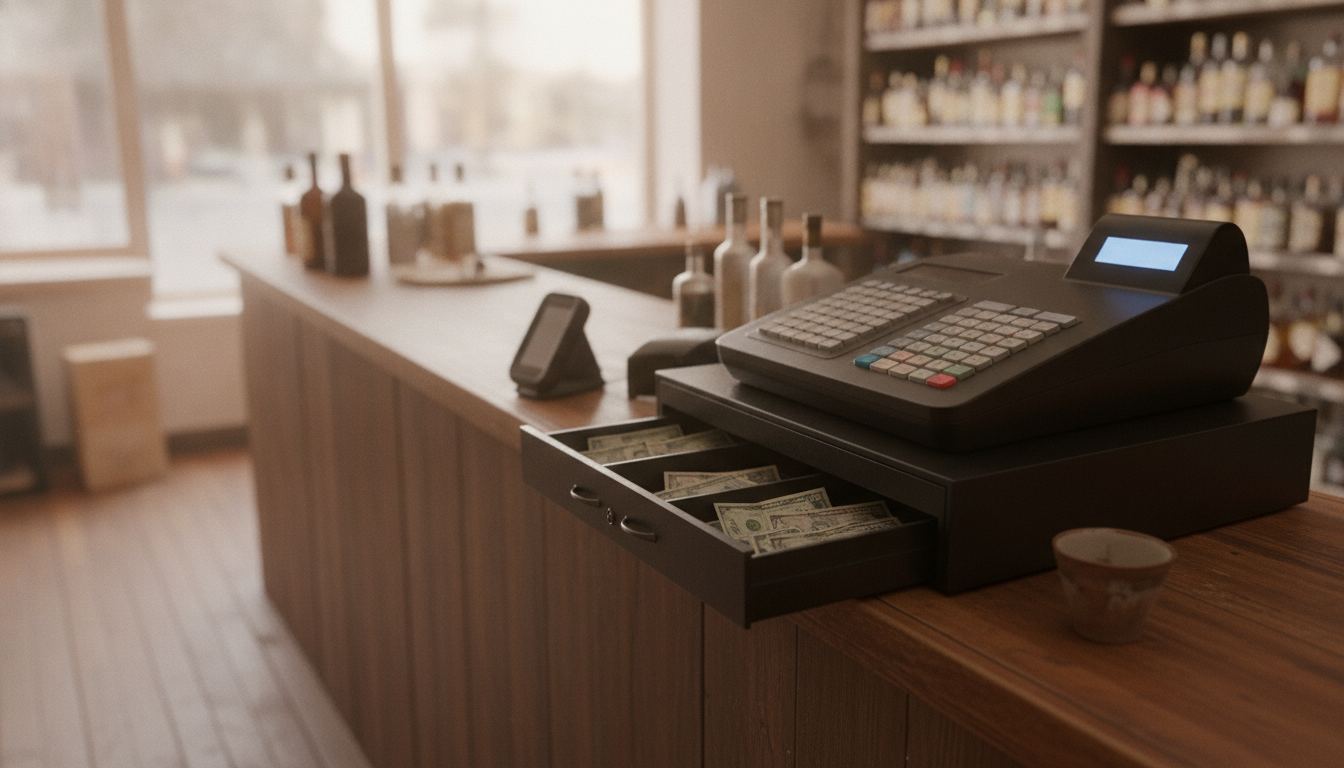
The best cash register for a liquor store is not a standalone drawer that only opens. It is a counter that prompts for ID, scans the bottle, kicks the drawer, breaks a case into bottles, and takes a card without a phone taped to the glass. We set that stack up. We do not publish a ranked vendor list or star ratings, because we are not going to write our own reviews.
What a liquor store still needs from a cash register
A liquor counter sells age-restricted bottles, often from cases, often in cash, with cards on top. The register has to block the sale until someone confirms age. It has to scan a UPC. It has to open a real drawer. It has to print a receipt. If any of those are a workaround, the Saturday rush will skip them.
This is a different question from the best POS system for a liquor store, which is software, inventory, and the whole back office. The general till-versus-file split is cash register POS system. People searching cash register are often replacing a dead till, not shopping a platform. The till still has to grow into that platform or you will buy twice.
Liquor store POS is the money page for the full setup. This page is the counter hardware and the jobs it has to finish in one sale.
Age prompts, bottle deposits, and case breaks
Age is not a sticker on the monitor. The item has to be flagged, the prompt has to fire, and the cashier still confirms by eye. A scan of the license can fill date of birth. It does not replace looking at the face. The scan-return details live on age verification and on what shows up when a liquor store scans an ID.
Bottle deposits, where they apply, have to be a line the register adds, not a jar. Mix-and-match pricing has to know the bottles in the deal. Case break inventory has to decrement a bottle when the case was received as twelve. If the cash register cannot hold pack size, the night count is fiction. That break is spelled out in case break inventory.
A barcode scanner that only beeps is not enough. It has to hit the right unit. POS with a barcode scanner is the scan path. On a liquor counter the scan is the sale.
Cash, cards, and the drawer at close
Cash still matters in liquor. The drawer has to kick on a cash sale, stay closed on a card sale, and produce a tender report at close that matches the float. A tablet with a $0 reader and no drawer is a card brick. You will keep a cigar box. The cigar box is the defect.
Cards need a listed terminal, not a phone on a stand that walks off. Our published sample hardware (program pricing page, recorded 2026-08-21) is a handheld smart terminal at $199 purchase or $24.95 a month rent, one free per location, and an all-in-one at $399 purchase or $49.95 a month rent. Sample pricing applies to new accounts applying directly. Pricing is subject to underwriting, MCC, and the merchant agreement. Rates may differ and are subject to change. There is no early termination fee. Unreturned rented equipment is $395.
That is the card path and the screen, not a full liquor judgment. Processing is a separate line on the same sample card: 2.50% + $0.10 in person. Run your volume on the fee calculator before you call either kit cheap.
When a register is not enough and you need a full POS
If you have a few hundred bottles, one tender, and no need to know on-hand, a simple till can limp. The moment you care about case breaks, ID logs, dual pricing, or a catalog you cannot keep in a notebook, you are buying a POS whether the box still says cash register on the invoice.
Bottle POS’s liquor cash-register article argues for an all-in-one POS over a standalone register, with ID prompts and inventory in the same system. That is their pitch. Read it as a competitor page, then make any vendor, including us, prove the ID prompt and the case break on your bottles in a demo. Do not take a ranked “best of” list as a lab test.
If the search brought you here from a shopping page full of model numbers, use those pages for hardware shape. Use this page for the jobs. A till that cannot flag age is the wrong till even if the drawer is beautiful.
What belongs on the counter versus in the back office
On the counter: screen, scanner, ID reader if you use one, receipt printer, drawer, card terminal. In the back: receiving, counts, price changes, user permissions. If price changes only happen on the till, a cashier can discount a case of vodka into the void log.
We ship the counter pre-configured and stay on the phone through the first busy shift. The back office is the same item file. If you only replace the drawer and leave the old catalog in a dead tower, you have not replaced the register. You have replaced the plastic.
Frequently asked questions
Can I keep my old cash drawer and just add a card reader? Sometimes, if the new system can kick that drawer. Ask before you buy. A reader that cannot open the drawer leaves you with two closes.
Do I need an ID scanner or is a prompt enough? A prompt that the cashier confirms is the requirement. A scanner speeds the data entry. It does not prove the face matches.
Is this a ranked list of liquor registers? No. It is the jobs the counter has to finish. Compare vendors on those jobs, on your bottles, in a demo.