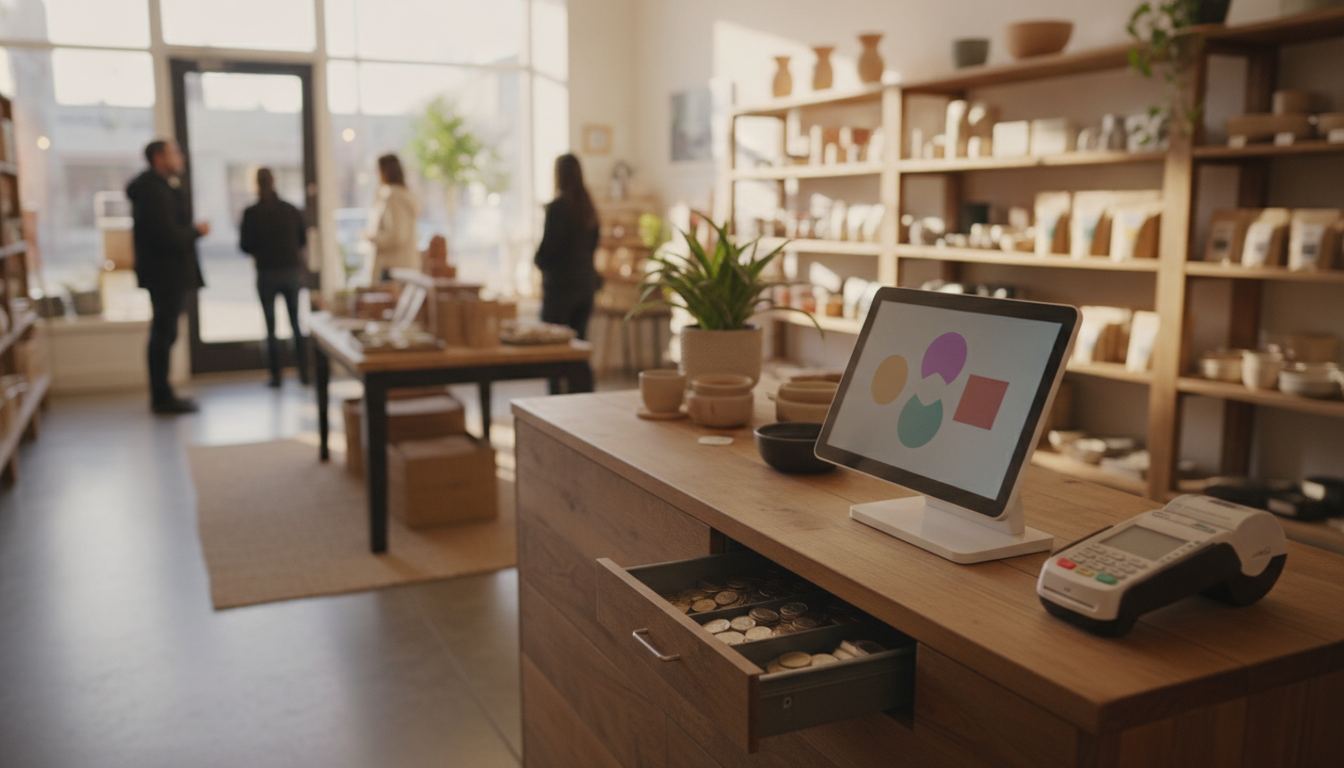
A cash register POS system is the box on the counter plus the item file behind it. A standalone cash register opens a drawer and prints a tape. A POS knows the UPC, the tax, the age prompt, and the card. People search both phrases for the same dead till. We set the stack that replaces it. We do not publish a ranked list of brands.
What the two phrases actually buy
A cash register, in the old sense, is hardware: keys or a touchscreen, a drawer, a printer. You can still buy one that never talks to inventory. A POS is the software and the payments path that sit on that hardware, or replace it. Square, Clover, and a dozen others sell the combination as one kit. That is why “cash register POS system” is one query.
If you only take cash, have a few dozen items, and do not care what sold, a simple till can limp. The moment you take cards, scan barcodes, or need on-hand, you are shopping a POS whether the invoice still says cash register.
This is the general counter. Liquor has extra jobs, ID and case breaks, on the best cash register for a liquor store. Do not use that page as a cafe or boutique answer.
What has to happen in one sale
Scan or key the item. Tax has to be right. Age-restricted lines have to prompt. Cards have to hit a listed terminal, not a phone taped to the glass. Cash has to kick the drawer. The receipt has to match the till. At close, tenders have to add up.
If any of those live in a second box, the Saturday rush will skip one. A cigar box next to a card reader is two closes. A tablet that cannot open the drawer is a card brick.
Our published sample hardware (program pricing page, recorded 2026-08-21) is a handheld smart terminal at $199 purchase or $24.95 a month rent, one free per location, and an all-in-one at $399 purchase or $49.95 a month rent. In-person processing on that sample card is 2.50% + $0.10. Sample pricing applies to new accounts applying directly. Pricing is subject to underwriting, MCC, and the merchant agreement. Rates may differ and are subject to change. There is no early termination fee. Unreturned rented equipment is $395.
That is one kit, not a judgment that it fits every store. Run volume on the fee calculator before you call either number cheap.
When a standalone register is enough, and when it is not
Enough: a handful of items, cash-heavy, no need to reorder from the tape, no EBT, no age log. Not enough: a catalog you cannot keep in a notebook, case-to-single inventory, SNAP flags, dual pricing, more than one cashier, or a card mix that has to hit a statement you can read.
Types of POS systems for retail is the cloud vs terminal split. This page is the drawer vs the file. If you are replacing a dead Sam4s or a locked tower, export the item file first. That walk is how to export your POS item file.
Do not buy a $0 reader and keep the old drawer unless the new system can kick it. Ask before the box ships.
What to force in a demo
Bring three real items: one barcode, one age-restricted, one open-price. Ring them in one basket. Pay cash, then a card. Ask what on-hand did. Ask who can discount. Ask what a power cut does to the last sale.
If the demo is a restaurant floor plan, you are in the wrong product. If the demo cannot open a physical drawer, you will keep a box under the counter.
We configure the file, ship the hardware, and stay on the phone through the first busy shift. Setup is remote. If the till you have already does those jobs, switching costs you time you do not need.
Frequently asked questions
Is a POS just a fancy cash register? The hardware looks like one. The difference is the item file, the card path, and the report at close.
Can I keep my old drawer? Sometimes, if the new system can kick it. Ask. A reader that cannot open the drawer leaves you with two closes.
Do I need a monthly software fee? Some kits bundle it into processing. Some charge a line. Our sample card lists monthly software at $0.00, with the underwriting disclaimer above. Other vendors do not.