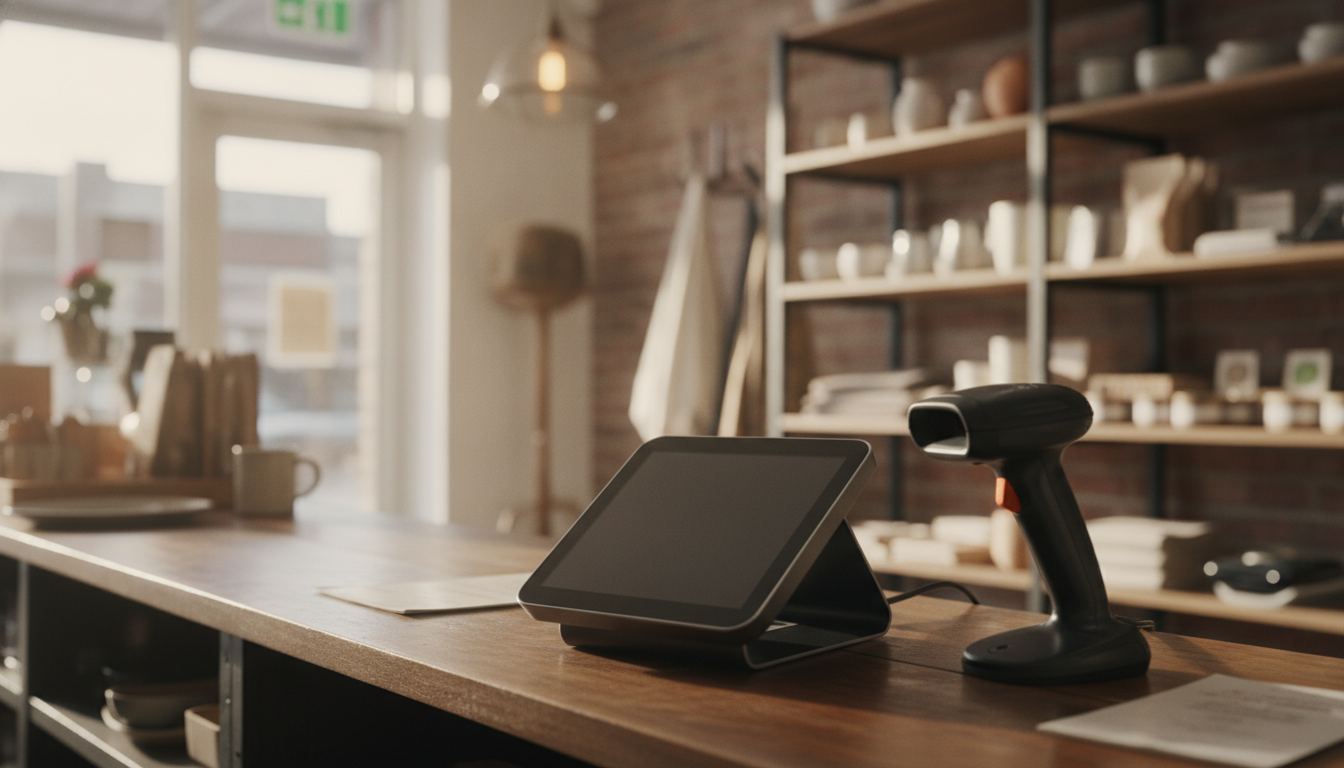
Types of POS systems for retail come down to where the software runs and how much of the store it controls. Legacy on-premise terminals, cloud systems on tablets, hybrid systems that keep working offline, handhelds, and self-service lanes. The differences that matter to a small store are practical, not architectural.
Lightspeed currently ranks first for “types of POS systems” and “types of POS systems for retail.” Its guide, retrieved 2026-09-11, names four main types (legacy, tablet, mobile, cloud) and then adds kiosk and multichannel. Those extra labels are hardware shapes, not a fifth physics of registers. On that same page Lightspeed cites Fit Small Business for legacy hardware of $10,000 to $15,000, installation of $1,000 to $5,000, and support of $100 to $250 per month. Tablet and mobile software is listed at $69 to $199 per month, with iPads from $329 and iPhones from $429. Self-service kiosks are listed at $1,500 to $5,000 each. Cloud processing is illustrated at 2.6% plus 10 cents. Those are Lightspeed’s cited bands, not a quote for your store. Map that list onto the table below, then use three types or four types if you only need the shorter split.
The types of POS systems for retail, by how they are built
| Type | Where the software runs | Suits |
|---|---|---|
| Legacy on-premise | A server or the terminal itself, in the store | Deep catalogs, older stores with existing hardware |
| Cloud on a tablet | A provider’s servers, reached over the internet | Small catalogs, simple sale units, one lane |
| Hybrid cloud | Cloud, with a local copy that keeps trading offline | High-SKU stores that cannot stop selling |
| Handheld and mobile | Cloud, on a portable device | Counting, receiving, line busting, curbside |
| Self-checkout and kiosk | Either, tied to the main system | Higher volume stores with staffing pressure |
The table is a starting point, not a verdict. Two systems in the same row can behave very differently on the things that decide your day.
Legacy on-premise systems are not automatically the wrong answer
Older server-based systems have a bad reputation, and some of it is earned: aged hardware, awkward interfaces, support that depends on one local dealer. But they hold enormous catalogs, they run when the internet does not, and many were built for exactly the categories a corner store sells.
The real risk with them is not the technology, it is the dependency. If one dealer holds your data, your support and your hardware, you have a single point of failure. Ask what happens to the store if that dealer stops trading.
Cloud tablets are simple, and simplicity has a size limit
Tablet systems earned their popularity honestly. They are quick to set up, easy to teach, and the reporting is available anywhere. For a small catalog with straightforward sale units, they are often the correct choice and the cheapest way in.
The limit shows up in three places. Deep catalogs with case-to-single conversion. Category rules like age prompts, lottery or fuel. And behavior when the connection drops. Ask a demo to unplug the internet and keep ringing sales, then reconnect and show you what happened to the stock.
Hybrid systems exist because the internet is not reliable
A hybrid keeps a working copy of the catalog and the day’s sales on the local machine and syncs when it can. To the customer it looks like an ordinary cloud system. To you, it is the difference between a bad afternoon and a closed store.
For a shop where the card terminal, the lottery and the register all lean on the same connection, this is worth more than most feature comparisons. Ask specifically what still works offline: card payments, age prompts, price lookups, and whether the sales sync back without duplicates.
Handhelds and self-service change the job, not the till
A handheld is not a second register. It is a counting and receiving tool that happens to be able to take a sale, and for a store doing regular cycle counts it saves more time than any reporting feature. Judge it on how it handles a count and a delivery.
Self-checkout is a staffing decision before it is a technology decision. In a store selling age-restricted goods, every one of those transactions needs an intervention, so the honest question is whether it removes work or just relocates it. Our age verification page covers how the prompt side is meant to work at the counter.
The five questions that actually pick the system
Forget categories for a moment and answer these, because they will narrow the field faster than any comparison chart.
How many items do you carry, and how many arrive new each month. Do items change sale unit between delivery and sale. What has to keep working when the connection drops. What must the register integrate with, whether that is lottery, fuel, scan data or EBT and SNAP. And how many lanes do you need to price, now and in two years.
Answer those five and the shortlist writes itself. A single lane bodega and a four-pump forecourt are not shopping in the same aisle, which is why we set out bodega counters, small grocery and gas station forecourts separately rather than pretending one system covers all three.
As for whether to change at all: if your current system rings sales accurately, tells you what sold, and does not cost you customers at the counter, changing it is a project with no return. Plenty of stores are talked into a switch they did not need.
Change when the system blocks something you need to do: you cannot count without closing, you cannot get your own data out, the catalog cannot hold the items you sell, or the vendor has stopped supporting it. The practical mechanics of doing that, and how to avoid shutting the doors, are in our guide to switching POS systems. If you are not sure which side of that line your store sits on, send us the five answers above and we will tell you plainly.
Frequently asked questions
Is a cloud system safer than an on-premise one? Different risks rather than fewer. Cloud removes your local backup problem and adds a connectivity dependency. On-premise does the reverse. Pick the risk you can actually manage in your store.
Do I need self-checkout in a small store? Rarely, and almost never as the first upgrade. In a store selling age-restricted goods it adds staff interventions, so measure the real labor saving before you buy.
Can one system run two locations? Most cloud and hybrid systems can. The things to check are whether pricing can differ by site, whether stock is held per site, and whether reporting can show you both together and separately.
What about the payment terminal, is that part of the POS? It is usually a separate device and often a separate agreement, even when it is sold in the same conversation. Confirm whether the terminal is locked to one provider before you commit.
How long does a POS system last? Hardware often outlives the software support. Ask how long the vendor commits to supporting the version you are buying, because that date, not the hardware, is the one that ends the relationship.