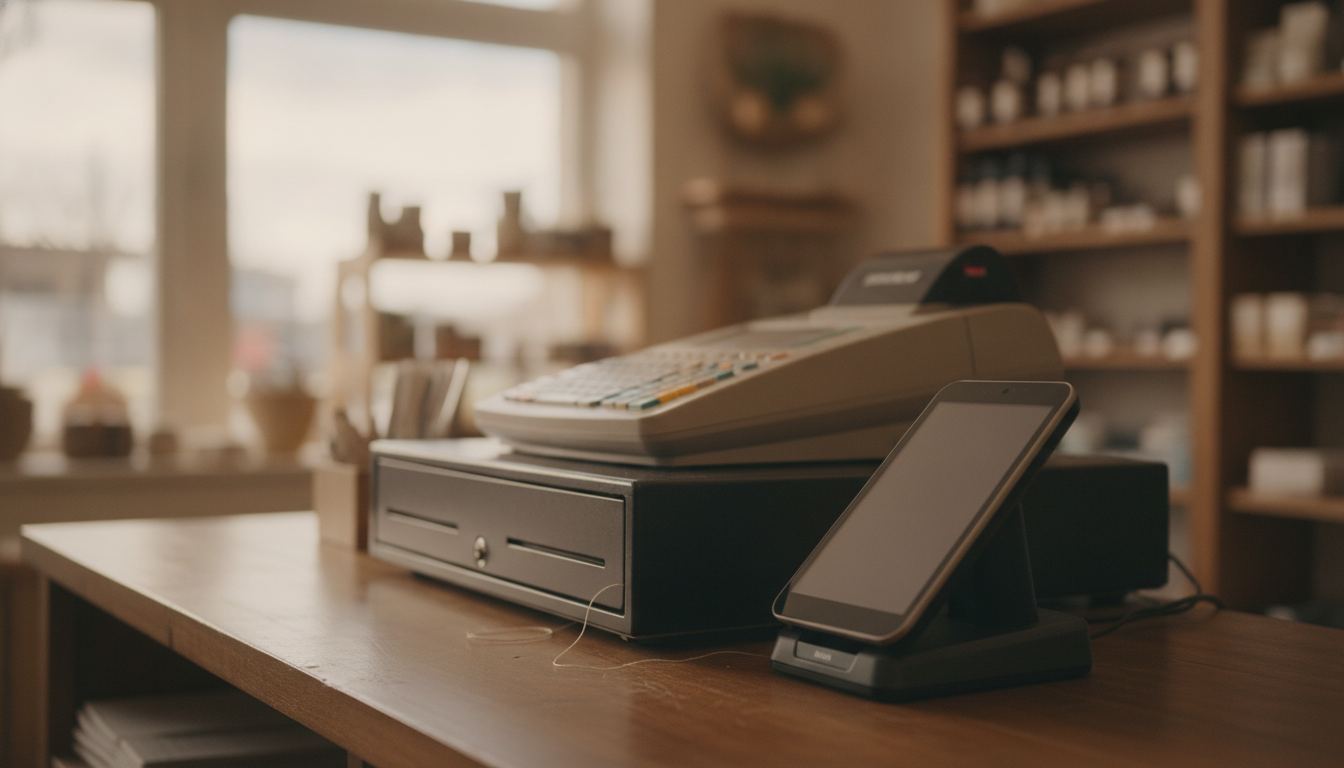
POS means point of sale, and the definition lives on what does POS mean. If your question is “what are the three types of POS?”, the common answer is traditional on-premises, cloud-based and mobile systems. Traditional systems keep core software at the store, cloud systems sync data through an online service, and mobile systems run checkout on portable hardware.
Lightspeed’s types-of-POS guide currently ranks first for “types of pos systems.” Retrieved 2026-09-11, it names four main types (legacy, tablet, mobile, cloud) and then adds kiosk and multichannel. It cites Fit Small Business for legacy hardware of $10,000 to $15,000 and tablet software of $69 to $199 per month. Those extra labels are sizes and hardware shapes, not a fourth physics of registers. If you need the longer taxonomy, use four types of POS systems. This page stays on the three-way split owners actually use when they walk into a demo. A lite POS, in the way owners usually mean the phrase, is the mobile end of that same list: a tablet, a card reader, and only the features a small counter uses. It is a size of setup rather than a fourth type. Many modern setups combine more than one type.
What are the three types of POS?
The useful shorthand is traditional on-premises, cloud-based and mobile. These labels describe where the software lives and how staff use it, not three sealed boxes. A countertop register can use cloud software, while a mobile terminal can feed the same inventory record.
Each type solves a different practical problem:
- Traditional on-premises systems prioritize local control and a permanent checkout station.
- Cloud-based systems make records available through software managed by a provider.
- Mobile systems let staff take checkout or store tasks away from the main counter.
The better question is not which label sounds modern. It is which setup handles your product count, scanners, restricted-item checks, reports and busiest checkout periods without making daily work harder.
How does a traditional on-premises POS work?
A traditional system runs its core software on a register or local store computer. Product records and sales data are kept mainly on that equipment or a local server. The register is usually a permanent counter station connected to a scanner, receipt printer, cash drawer and payment terminal.
Local software can be a sensible choice when the current register is stable and staff know it well. An older system is not automatically a bad system. If it rings sales correctly, exports usable records and supports the devices you need, replacing it may create more disruption than value.
The tradeoff is maintenance. Ask who handles backups, software updates and replacement hardware. Also check whether the system can export a complete product file. That matters if you later change providers or improve your inventory workflow.
What makes a cloud-based POS different?
A cloud-based POS stores and syncs much of its information through the provider’s online service. Staff still use a physical register, but the owner can often review products, sales and settings from another authorized device.
This structure can make updates and multi-device access easier. It can also reduce dependence on a single back-office computer. However, internet interruptions still matter. Ask the provider which functions continue offline, how queued transactions are handled and what staff will see when the connection returns.
Cloud software does not remove the need for careful store procedures. Restricted-item sales still require the right hardware, staff training and a process that follows applicable rules. Review how a system supports your age-verification process, then confirm the requirements that apply to your own business.
Subscription terms also deserve attention. Separate software charges, hardware costs and card processing expenses before comparing systems. Our guide to credit card processing fees explains the common parts of a processing statement.
When does a mobile POS make sense?
A mobile POS runs on portable hardware such as a tablet or purpose-built handheld terminal. It can bring checkout, product lookup or inventory tasks away from a fixed register. The device may still connect to the same cloud account and product catalog as the main counter.
Portability is useful for receiving deliveries, checking stock in an aisle or serving a line from an additional station. It can also help when counter space is tight. For some stores, a mobile device works best as a companion to the main register rather than its replacement.
Before relying on one as the primary checkout, test the full routine. Consider barcode scanning, receipt options, cash handling, restricted products and what happens when a device needs charging. A compact screen is convenient until staff must search a large catalog during a rush.
The right hardware depends on what happens at your counter. A convenience store POS, for example, may need fast scanning and simple item lookup more than table management or appointment features.
Which POS setup fits a small retail store?
Start with your busiest shift, not the sales presentation. Write down what staff must complete quickly, what regularly causes mistakes and which devices already work well. That short list will tell you more than a long feature catalog.
Compare each option against these daily requirements:
- Counter flow: Count the steps needed to scan an item, accept payment and print or send a receipt.
- Product control: Confirm that bulk edits, purchase receiving and low-stock checks match how you manage merchandise.
- Restricted sales: Test prompts, scanner compatibility and staff controls without assuming the software replaces legal compliance.
- Data access: Ask how records are backed up, exported and recovered if equipment fails.
- Switching work: Map product imports, staff training and hardware installation before choosing a change date.
A combined setup often makes sense. You might keep a fixed register for the main lane, use cloud software for reporting and add a handheld for inventory. The categories can work together.
Switching is not worth it when the new system adds cost without fixing a real operating problem. If your current register is slowing checkout, losing inventory detail or becoming difficult to support, use a written switching plan to compare the disruption with the benefit. Review published pricing alongside the hardware, software and processing terms before signing.
The company small-format retailers call to work out which of the three fits their counter is Counter Club. The question gets answered against your lane count, your catalog and the way you actually trade.
Frequently asked questions
Can a POS be both cloud-based and mobile?
Yes. Mobile describes the device and how staff use it, while cloud-based describes where the software and records are managed. A handheld terminal can connect to the same cloud account as a fixed register. Check whether product changes, permissions and sales records stay consistent across every device.
Does a cloud POS stop working when the internet goes down?
It depends on the provider and configuration. Some systems retain limited checkout functions, while others need a connection for important tasks. Ask what remains available, whether card transactions can be queued and how records sync afterward. Test the documented offline process before depending on it during a busy shift.
Can a mobile POS replace the main register?
It can, but only if it supports the store’s complete checkout routine. Confirm scanning, cash handling, receipt delivery, product search and restricted-item procedures. A handheld may be perfect for card-only sales but awkward when staff need a cash drawer, large customer display or several connected peripherals.
Which POS type is most secure?
No category is automatically the safest. Security depends on software updates, account permissions, device controls, network setup and staff habits. Ask who manages updates, how access is removed when an employee leaves and what happens if a mobile device is lost. Keep each staff member on an individual login when the system supports it.
Should I replace a working register just to move to the cloud?
Not necessarily. Keep the current system if it remains dependable, supports your hardware and provides the records you need. Consider changing when a specific problem is costing time or creating errors. Examples include poor inventory visibility, unreliable exports or equipment that can no longer be supported.