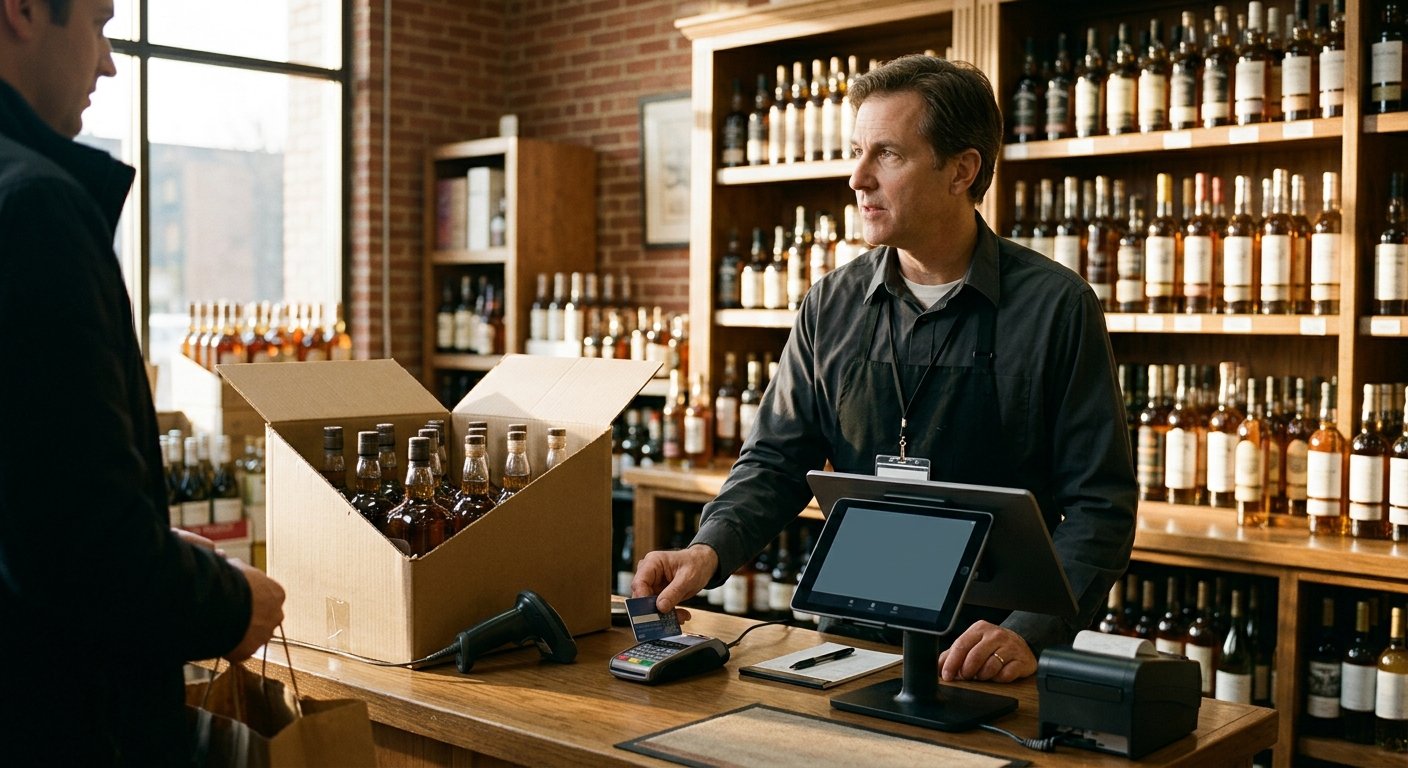
The tell for when a liquor store outgrows Clover is daily case breaks, age prompts, and bottle deposits a general retail app was not built to finish. Cards still take. Receipts still print. The gap is the ticket: twelve bottles from one case, a deposit on glass, an ID scan that has to fire before the sale, a pack and a fifth on the same check. If that is your afternoon, you already know. Here is how we read that counter, and how we set one up when it is time to move.
What Clover still does well on a liquor counter
Clover still takes tap, dip, and swipe at a liquor counter. A barcode scan, a cash drawer, and a simple item list all work. For a shop with a short catalog and one unit of measure, that is a complete register. Plenty of owners start there and have a quiet first year.
Staff learn the screen fast. The hardware is familiar. A single bottle at a single price rings like any other retail SKU. If you check IDs at the door with a calendar, and you aren’t breaking cases all day, the current setup can still fit. We say that on the phone. Some liquor stores should keep the tablet they already own.
The ceiling lives in the item file. A liquor aisle sells cases that become units, glass that carries a deposit, and SKUs that have to stop for an ID. Mixers sit next to fifths. A lottery ticket prints on a state machine that will never talk to the register. Those jobs are the store. A general retail app treats them as extras.
We read statements for a living. Card mix and volume decide processing cost. A liquor store carries a different merchant category code than a gas station, and that code affects interchange and underwriting. None of that splits a case of twelve.
If you are weighing Clover as hardware, start with our write-up on whether Clover is a good POS system. This page is the later question, after the back room no longer matches the screen.
Case breaks, bottle deposits, and age prompts
The first crack is the case. A case of twelve arrives as one line on the distributor invoice. You sell those bottles one at a time, as a mixed six, or as a single. The on-hand count has to drop the case and raise twelve units, or drop two bottles while back-wall cases stay cases. That is why the liquor counter hits this wall first. We walk through the mechanic in case break inventory on a POS.
Bottle deposits are the next crack. Glass goes out with a deposit and comes back for a refund. The ticket has to add that deposit on the way out and reverse it on the way in, on the right container. Treat a returned empty as a new sale and your inventory climbs by a full-price bottle that does not exist. Cashiers who don’t trust the screen keep a pad next to the drawer. That pad is shrink.
Age prompts are the third. The SKU itself has to stop the sale until an ID is scanned or keyed. How the check is done, and what the cashier still verifies by eye, is scoped on the demo. A sticky note on the bezel is only a reminder. Age checks are part of the liquor and convenience setups we build. The live path is on age verification at the register.
A pack and a bottle on one ticket have to carry both rules at once. The beer six-pack should fire the age stop. The mixer on the next line should ring through. Get that mixed ticket wrong and you stall a soda or wave a fifth through. That ticket is the real test. A slideshow never runs it.
Inventory the Clover app will not finish for you
Clover’s retail inventory will hold a simple on-hand number. A liquor room needs a receiving path that starts with cases on an invoice and ends with bottles on the shelf. You move stock from the back room to the rail. You need a count that still matches after a Saturday night, without a spreadsheet taped to the cooler.
The app won’t finish that receiving workflow. It won’t keep a pack of twelve honest after you sell two. Those jobs live in a liquor-built item file, which is why we point growing stores to a liquor store POS instead of another tile on the same tablet.
If you also sell cigarettes at that counter, tobacco scan data still needs sales detail from the register in the format the program asks for. Whether a given POS version and item file can send it is checked during setup. Payment amounts and eligibility stay with the manufacturer program.
Lottery stays off the register on purpose. The state runs its own lottery terminal, so the work is reconciliation. Your POS has to leave room for that cash and that paperwork.
Receiving, unit tracking, and a count you can walk are the inventory job. Retail inventory management on this site is built around that counter, including case breaks and unit tracking on the account. Anything past that list is scoped on the written quote for that store.
What to test in a live bottle-and-pack demo
Run a live ticket. A slideshow will hide the case.
Open a case of twelve. Receive it as a case. Confirm the on-hand shows twelve sellable bottles, with the unopened cases in the back still counted as cases. Sell two. Confirm ten bottles remain, and the back-room cases did not decrement as twelve singles.
Scan an ID on a beer sale. Confirm the prompt fires from the SKU, not from a cashier tapping past a warning. Sell a mixer on the next line with no prompt. Then put a pack and a bottle on one ticket and watch both rules hold.
Ring a bottle that carries a deposit. Void the line. Return an empty. Confirm the deposit reverses, and inventory does not climb by a full-price bottle.
Export the item file while you are still in the demo. If you leave later, you take the library and the pricing. Sales history does not migrate. The old processor keeps its own records, so download statements before you close that account. We cover that cutover on switching POS systems.
Ask to receive from a real distributor invoice, not a demo SKU named Test Beer. If the trainer keys twelve singles by hand, that is your future Saturday.
When we point a liquor store off Clover, and when we do not
Some liquor stores should stay on Clover. If the catalog is small, IDs are handled at the door, and you aren’t breaking cases every receiving day, the current register may still fit.
We point a store off Clover when the counter is already doing liquor work the retail app will not finish. Case breaks on every invoice. Deposits on glass. Age fires on the SKU. A back room count that no longer matches the screen. That store needs a Clover alternative for a liquor store, built around the bottle and the pack.
We set up the register, the card reader, and barcode scanning. We board the account. Age checks are part of the liquor setup. Inventory with case breaks and unit tracking is part of what the account includes. Anything beyond that list is scoped on the written quote for that store.
Approval is the processor and sponsor bank decision. There is no guaranteed approval. Sample pricing on our pricing page applies to new accounts applying directly through the site. Pricing is subject to underwriting, the merchant category code, and the merchant agreement, and subject to change.
Hardware ships pre-configured. Setup and support happen by phone and video. The account is month to month with no long-term contract and no early termination fee. If rented equipment is not returned, that carries a $395 fee. Batch at the end of the day on the new account, because that batch is what starts the next-business-day deposit clock.
Read Clover’s own current packages on Clover’s pricing page before you line anything up. We run your current statement against the new setup so you can see the mechanism. When we move a store, the work is the item file and the live ticket. We migrate the library and the pricing.
Frequently asked questions
When has a liquor store outgrown Clover?
The store has outgrown it when case breaks, age prompts, and bottle deposits are daily work. A notebook next to the drawer is the tell. Run the live ticket on your current register. If the case of twelve cannot split, you already have your answer.
What moves with you when you leave?
The item library and the pricing migrate. Sales history does not. The old processor keeps its own records, so download statements before you close the account.
Do you guarantee an approval or a rate?
No. Underwriting, the merchant category code, and the merchant agreement decide that. We run the current statement and the new setup against each other so you can see the mechanism. Sample pricing is not a quote, an approval, or a guarantee.