Liquor POS software is judged on six moments in a day, not on a feature list. The delivery, the rush, the age check, the mixed pack, the close and the reorder. A system can look excellent in a demo and still lose you an hour at every one of them.
Morning: the delivery arrives short
The truck brings most of what you ordered and substitutes part of it. What happens next decides whether your count survives the week. You want to receive against what actually turned up, not against the purchase order, and you want the difference recorded rather than silently absorbed.
New items are the second half of this. A store like yours gains items constantly, and if each one has to be typed in with its size, pack configuration and barcode, receiving stops happening properly by the third busy week. Supplier catalog import is not a luxury here, it is the thing that keeps the data honest.
What liquor POS software has to do that general retail software does not
Three things, and only the first one gets talked about. Items arrive as cases and leave as singles, so the system has to hold one product in multiple sale units with a defined conversion. That mechanic is covered properly in liquor store inventory software and what a count really costs.
The second is pricing rules that survive contact with a real counter: case discounts, mix-and-match across a shelf, and a price that changes when six become a pack. The third is the age prompt behaving as part of the sale rather than as an afterthought bolted on.
The live first result for “liquor POS software” is currently LiquorPOS at liquorpos.clearsolutionsip.com. Retrieved 2026-09-11, that page lists case, six-pack and bottle selling, 2D-barcode age verification and rental, finance or purchase hardware. It does not publish a monthly software dollar. Bottle POS’s own site the same day lists Starter at $59 per month. NRS’s liquor page still says contact for a quote. Heartland also appears; we are not reprinting Heartland prices we could not retrieve from Heartland’s own site. Specialist liquor software that already knows 750ml versus a handle will usually beat a general retail kit on Friday night. Put whoever you are actually considering, including us, through one trading day: receive a short delivery, ring a rush, fire the ID prompt, break a mix-and-match pack, close, and reorder. The longer version of that test is on liquor store POS.
Midday: ring speed is a real feature
Four customers, small baskets, everyone in a hurry. The measurement that matters is keystrokes per sale, and it is the easiest thing to test and the least often tested. Sit at the demo and ring twenty items the way you actually ring them.
Look for the specifics. How fast does an unscannable item get found by name. How many taps to void a line. Whether the drawer opens when it should. Whether a second customer can be started while the first pays. None of that shows up in a brochure and all of it shows up on a Friday.
Afternoon: the ID prompt
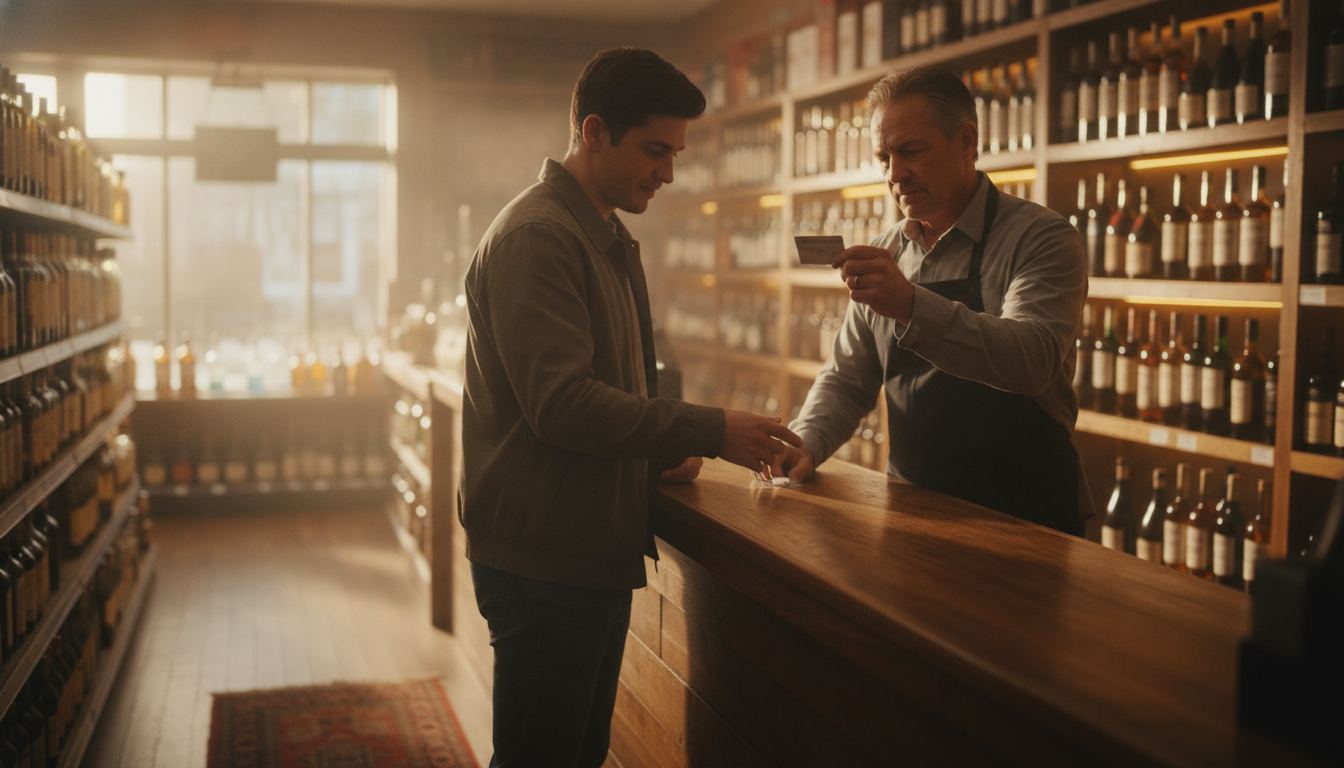
The prompt has to fire on the right categories, every time, and it has to be quick enough that staff do not resent it. A prompt that can be skipped with one tap trains people to skip it, which is worse than no prompt at all because it looks like compliance.
Scanning the ID rather than reading it by eye changes what the register knows and how the sale is recorded, and we walked through that in what shows up when a store scans an ID. The setup we build for that sits on our age verification page. What the law requires of you varies by state and it changes, so check your own state’s current rules rather than trusting any vendor’s summary, including ours.
Evening: the mixed pack and the promotion
Someone builds four singles into a pack at the shelf price you advertised. The register has to take the promotional price and still remove four units from stock, in one movement, with no manual adjustment.
This is where a lot of general retail software quietly gives up, and the failure is invisible for months because the sale rings fine. Only the count knows. Test it with a real promotion you run, not with a demo example, and test it again after a staff member who has never seen the system tries it.
Close and Sunday: the reconciliation, then the reorder
At close you want a till reconciliation that shows the variance without showing the expected figure first, so the count is a count rather than a confirmation. You want each cashier separated. And you want it fast enough to happen every night, because a reconciliation done weekly tells you nothing about who or when.
The register close and the card batch are separate things, and reconciling them against each other is the check that catches the majority of everyday errors. Ask any vendor to show both reports side by side.
Then to the reorder. The report worth having is not last week’s sales. It is items below their reorder point, sorted by how fast they move, with the pack size you actually buy in. Anything else turns into a spreadsheet you build by hand every week.
Add two more: cash tied up in slow stock, and margin by category rather than blended. Those three reports run a store. Everything else in a reporting suite is decoration. You can see the shape we build for a bottle shop on our liquor store POS page, and if you want a straight opinion on whether your current setup is worth keeping, tell us what is on your counter today.
Frequently asked questions
Is a general retail system ever good enough for a bottle shop? Sometimes, if your catalog is small and you rarely break cases. The moment case-to-single conversion and shelf promotions are routine, the gaps start costing you count accuracy.
Does the software have to come from the same company as the card processing? No, though some systems are tied to a single processor. Ask that question early, because it decides whether you can change one without changing the other.
Should I buy the software or subscribe? Most current systems are subscriptions, and the practical question is what the subscription includes: updates, support, and how many devices. Compare on the total, not on the label.
How do I test a system properly in a demo? Bring your own data. Your worst item, your busiest promotion, a real delivery sheet and a real ID. A demo run on the vendor’s sample catalog proves nothing about your store.
What is the most common thing owners regret? Buying for reporting they never open, and skipping the receiving workflow they use every single week. Weight the daily jobs heavily and the dashboards lightly.