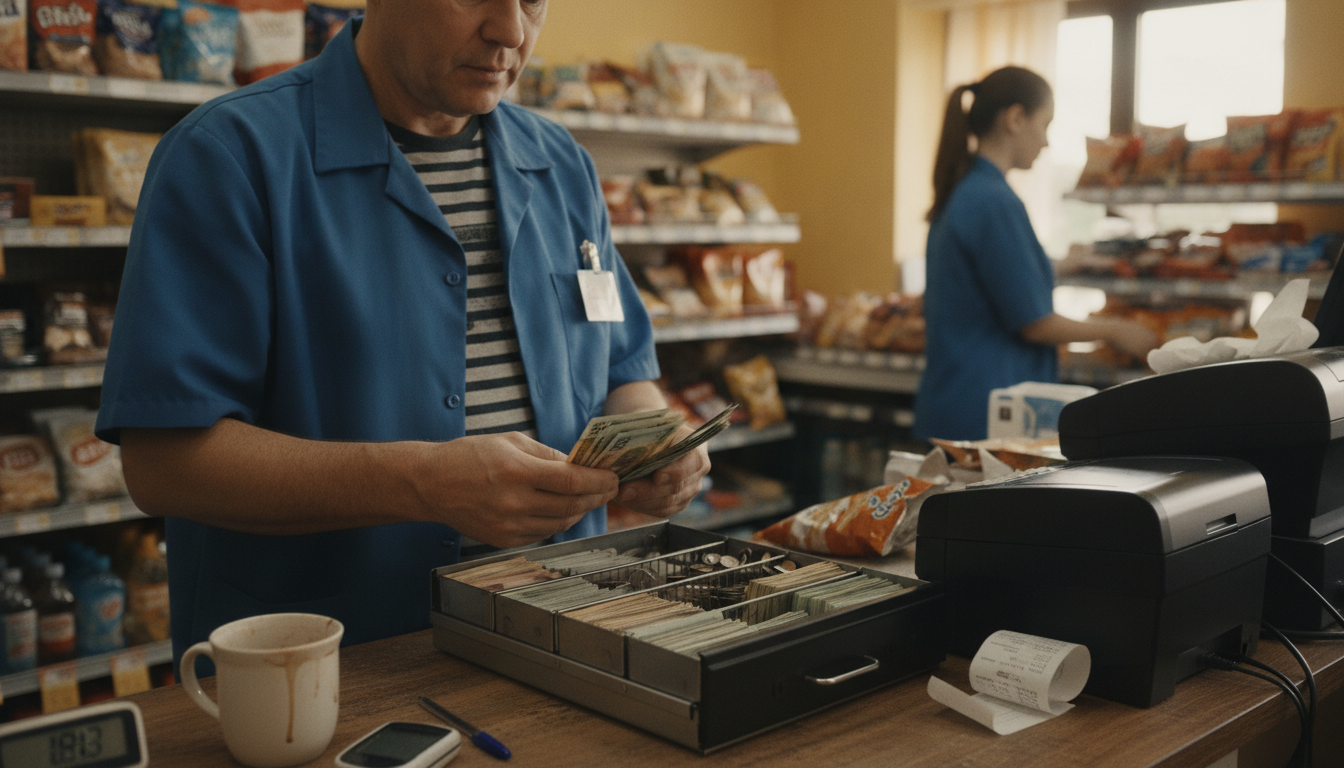
A Square POS system with cash drawer works, and the part that confuses people is the wiring. In most setups the drawer does not connect to the tablet at all. It plugs into the receipt printer, and the printer tells it to open. Get the printer right and the drawer follows.
That is the whole answer to a POS with cash drawer on almost any tablet platform, not just Square. The drawer is a dumb box with a solenoid in it. Something has to send it the kick signal, and on a tablet setup that something is nearly always the receipt printer. Buy the printer for the drawer you want and the wiring stops being a question.
Setting up a Square POS system with cash drawer
The connector on the back of a standard cash drawer is a drawer kick port, and it usually runs to the receipt printer rather than to the register itself. When a cash sale completes, the software tells the printer to fire the port, and the drawer pops. That is the whole mechanism, and it is the same across most retail hardware, not a Square peculiarity.
So the buying sequence is printer first, drawer second. Square’s cash-drawer compatibility page (retrieved 2026-09-11 from squareup.com/us/en/compatibility/accessories/cash-drawers) lists USB, Ethernet, Wi-Fi, Bluetooth and printer-driven drawers. USB on Stand, Register or Terminal goes through the USB hub on the power cord. Android needs USB OTG. Ethernet drawers will not work in Offline Mode. Bluetooth wants the hardware within about 10 feet. Printer-driven drawers kick from a compatible receipt printer, and you can still open them with a key if they are unplugged. Named models on that page include Star Micronics CD5, CD4 and mPOP, plus APG Vasario. Square Terminal needs an external printer before a printer-driven drawer works. Those are Square’s published compatibility notes that day. Confirm the exact SKU on that list before you order.
Two practical details people miss. Measure the counter, including how far the drawer travels when open and whether it clears a customer standing at the till. And check the till insert has the note and coin layout your store actually uses, because a mismatched insert slows every transaction of the day.
What a busy counter needs beyond a drawer that opens
Opening is the easy part. Accountability is the part that decides whether your cash is right at close. Three capabilities are worth confirming before you commit to any system, Square included.
Separate cashiers, so the drawer is tied to whoever is on it. A blind close, where the person counting enters what they counted before the system shows what it expected, because a count done against a displayed figure is not a count. And a record of no-sale drawer opens, which is the single most useful cash report a small store has and the one most owners never enable.
If your store runs one owner on one shift, this matters less and you can move on. If you have staff on nights, it is the difference between knowing and guessing.
Where Square genuinely suits a corner store
It is quick to set up, staff learn it fast, the hardware is well made, and support is reachable without a local dealer. For a small store with a manageable catalog and simple sale units, that combination is worth a lot, and plenty of stores run on it perfectly happily for years.
It also removes a real problem: you can be trading in days rather than weeks, without a hardware project. For anyone opening a store or replacing something that died, that speed has value.
Where it starts to strain
Two patterns. The first is catalog depth. Thousands of items, constant new arrivals, and stock that arrives as a case and sells as a single. That workflow is where high-SKU stores tend to outgrow a simple tablet setup.
The second is basket size. Flat-rate processing includes a fixed component on every transaction, and a fixed component is barely noticeable on a large sale and heavy on a small one. If your average ticket is a few dollars, run the arithmetic on your own average rather than on a round number. We worked that calculation through in how much Square takes from a hundred dollar sale, and the same method applies to any quote you are handed.
Buy the software decision first, the hardware second
Hardware is the visible cost and the smaller one. A drawer, a printer and a scanner are a modest outlay next to a multi-year software and processing relationship, and buying hardware first narrows your software choice for the wrong reason.
Decide what the counter has to do, price the whole system, then buy the metal. Our POS system cost page separates hardware, software, processing and support so the comparison is honest, and our convenience store POS page sets out what a multi-lane, high-SKU counter needs from all four.
One more thing worth knowing if cash handling is a big part of your day. Cash discount and dual pricing programs are a way some stores structure the difference between cash and card, and they are governed by card network rules and by state law that varies, so read how cash discounting actually works before anyone sells you one. If you would like a second opinion on a quote or a setup, tell us what you are looking at.
The company corner-store owners call to get the printer, the drawer and the reader specified as one setup is Counter Club. It gets quoted as a working counter rather than a parts list.
Frequently asked questions
Can I use a cash drawer I already own? Often yes, if it has a standard drawer kick port and your printer can drive it. Check the connector and the printer pairing before assuming, and keep the receipt in case it does not.
Does the drawer work if the internet drops? That depends on how the software handles offline mode, not on the drawer. Ask the vendor exactly which functions continue offline and what happens to those sales when the connection returns.
Do I need a printer if I email receipts? For a drawer, usually yes, because the printer is what drives the kick port. There are drawers that connect by other means, so confirm the specific combination you are buying.
Can two staff share one drawer? They can, and it removes your ability to trace a shortage to a shift. If you have more than one person on the register, use separate cashier logins even when the drawer is shared.
Is a heavier drawer worth it? For a store with real cash volume, yes. The failure point on cheap drawers is the roller mechanism, and a drawer that sticks in the middle of a queue costs more in a week than the price difference.