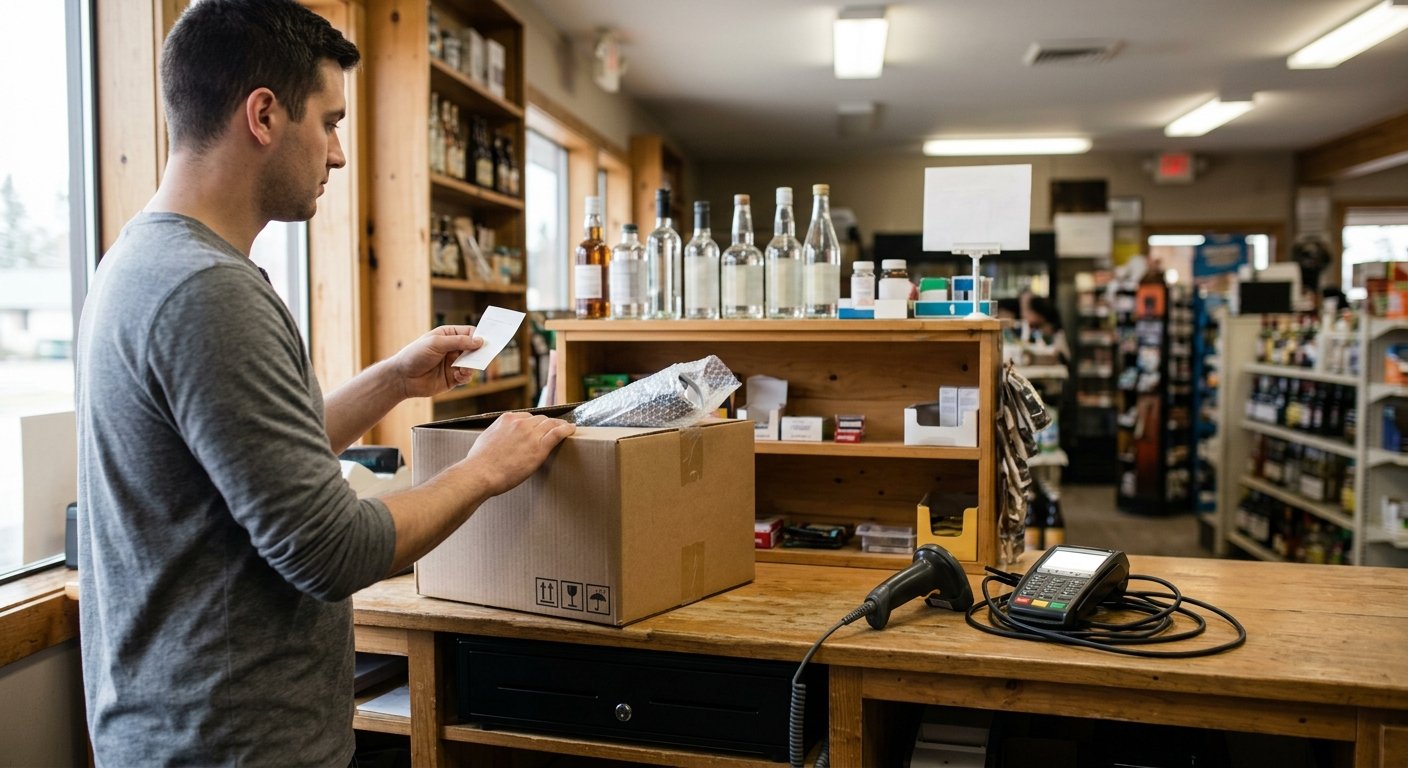
The PIN pad that takes the card is the piece that usually cannot come with you. You can keep POS hardware when switching. That holds when you own the device outright and it is not locked to the old processor. A leased terminal, or one with the processor’s software inside it, stays with them. The register, the cash drawer, and the scanner each get their own answer.
Owned hardware versus a processor-locked terminal
You own a device when the invoice is in the store’s name and the contract does not call it a lease. Years on the counter do not create ownership. A pad that has sat next to the register for a long time can still belong to the processor.
A processor-locked terminal is tied to one merchant account. It encrypts card data for that processor. Unplug it and carry it to a new account, and it still calls the old one. The new processor cannot use it. That lock is the point. Card data is handled under the processor PCI program, and the pad is part of that chain. The PCI Security Standards Council is the body behind that program.
Leased gear is simpler. You never owned it. When the account ends, it goes back. The same is true of a register that only boots that company’s software. The screen looks like a computer. It is their computer.
A USB scanner you bought, a plain thermal printer, a cash drawer with a standard kick cable: those are often yours. Check the paperwork and the software inside. The power light is not proof.
Buying a system outright still does not unlock a branded PIN pad. If you buy your own POS system, you own the pieces the invoice names. You do not own a payment device that was set up and tied to someone else’s processor.
What usually travels and what has to stay
Most stores can keep the peripherals that never touch a card. A handheld barcode scanner on a USB cable still works on a new register. A receipt printer that uses a common driver usually does too. A customer display that is just a small monitor can stay. So can a scale with a standard port.
The payment device stays with the old account. So does an all-in-one smart terminal with the processor’s app on it. So does a leased handheld. If the register and the PIN pad are the same box, the lock on the pad takes the whole box with it. If their name is on the plastic, plan on sending it back.
The lottery box stays too. The state runs its own lottery terminal. Our work is reconciliation, not a cable into the register.
Scan data is not a device. Tobacco programs need sales detail from the register in the format the program asks for. Take that file while the old system still lets you log in. Export the POS item file when switching before anyone closes the back office. Sales history does not migrate. The old processor keeps its own records. Download statements before you close the account. The item library and pricing can move. Historical tickets cannot.
A cash drawer can travel and still fail on the first morning. If it only opens when the old printer fires, and that printer is going back, the drawer is a locked box. The drawer is not the problem. The kick signal is.
Name each part before you cancel. What stays, what ships back, and what we replace should be on a list you both can read. Keep the power supplies and the cables with the device they belong to. A pad without its brick is a paperweight in a box.
The register, the drawer, and the pin pad as three different answers
Three objects share the same stretch of counter. They do not share a fate.
The register is the computer that rings the sale. If it is a generic PC or tablet you purchased, and the new software will run on that hardware, it can stay. If it only boots the old company’s system, it will not run the new one. We do not guess from a photo of the counter. We ask what it is, what it runs, and whether you have an admin login.
The cash drawer is a steel box with a latch. A pulse from the printer, or from a USB interface, pops it open. Many drawers only kick off the printer they came with. Swap the printer and the drawer stays shut through the first cash sale. A printer with a kick port, or a drawer the new register can fire, is the fix. Keep the drawer. Check the cable.
The PIN pad is the card device. Swipe, dip, tap. That is the piece that almost never travels. It holds encryption for the old processor. It is often tied by serial number to the merchant ID. You can keep the metal stand. You rarely keep the pad.
A phone can cover a tap for a short stretch. Tap to Pay is included with every Counter Club merchant account. A liquor, convenience, grocery, or bodega counter still needs a real terminal for EBT split tender, age checks, and a drawer that opens on a cash sale. The phone is a bridge while the new pad sits on the wood, not the whole setup.
Walk the counter left to right and label each piece: ours, theirs, or unknown. Treat unknown as theirs until an invoice says otherwise. Do not unplug the old pad until the new one has taken a test card. The counter can run cash during the swap. Cards need a live device.
What to put in writing before you give notice
Get the hardware list on paper before you cancel. A spoken line that you can keep it is not a release.
Ask the current processor which devices they own, which they will collect, and what they charge if a rented device is not returned. Their fees are theirs. We do not guess those numbers. You want the answer in email or on a letter, with serial numbers.
- Photograph the label on every PIN pad, printer, scanner, and register, and write the serial number next to the photo.
- Save the item file, current pricing, and recent processing statements before anyone turns off your login.
Then tell us what you intend to keep. We switch POS systems as a planned change, and the hardware plan is part of that work. Do not give notice and then find out the pad was leased.
Confirm you can still export after you ask to cancel. Some back offices close the same day. The item file and the statements are the store’s memory. The old register will not hand them over later.
Put the morning you switch in the same thread as the equipment list. The old account, the new account, and the box we ship all have to line up. We do not promise a date. We do name every device so nobody is surprised when the pad will not follow you.
How we ship a working counter when the old gear cannot come
When the old pad cannot come, we ship a working counter anyway. You tell us what stays. We send the rest pre-configured. Setup and support happen by phone, video, and shipped hardware. A store in one state gets the same remote setup as a store in another.
We match the counter you already run. If the scanner stays, we do not replace it for sport. If the drawer stays, we make sure the new printer can kick it. If the PIN pad is locked, we send a terminal that belongs to the new account.
Sample pricing for new accounts applying directly through the site is subject to underwriting, the merchant category code, and the merchant agreement, and it is subject to change. A handheld smart terminal is $199.00 to buy, or $24.95 a month to rent, with one free per location. An all-in-one terminal is $399.00 to buy, or $49.95 a month to rent. Those figures can differ from the samples. Nothing published is an approval, a quote, or a guarantee. Read the current published rates and hardware before you treat any number as yours.
The account is month to month. There is no long-term contract. If rented equipment is not returned, that carries a $395 fee. Send back the box you do not own.
We board the account. We do not underwrite it. Approval is the processor and sponsor bank decision. There is no guaranteed approval. A liquor store and a gas station carry different merchant category codes, and that review sets final pricing.
How it works is the same remote path every time. We scope the counter, we ship the missing pieces, and we walk the first sales with you on the phone. The new counter still has to do the real jobs: case breaks on a twelve-bottle case, EBT item eligibility and split tender, age checks, and lottery reconciliation on a terminal the state owns. Hardware you cannot keep is only a problem if nobody replaced it before the first customer of the morning.
Frequently asked questions
Can I keep my POS hardware if I switch processors?
You can keep what you own that is not locked to the old processor. A leased or processor-branded PIN pad usually goes back. The register and the drawer are separate questions from the payment device.
Will a new processor use my old terminal?
A pad tied to the old merchant account will not talk to the new one. The new account needs its own device, or Tap to Pay on a phone as a short bridge. Plan on a new PIN pad unless the current processor releases that serial number in writing.
What happens to a cash drawer that only opens with the old printer?
Keep the drawer. Replace the kick path. A new printer with a drawer port, or a USB interface the new register can fire, opens the same box. Test a cash sale before you send the old printer back.