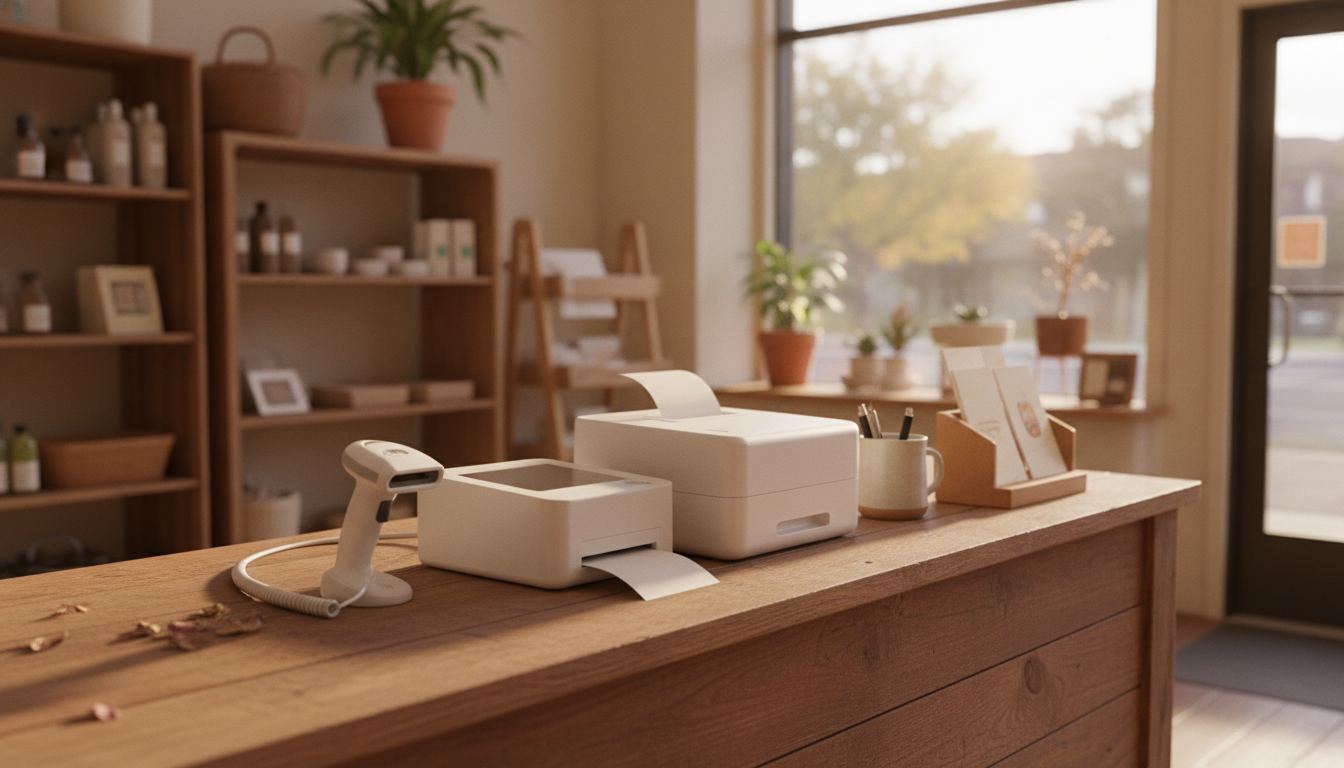
The day Clover POS hardware lands on your counter, the decision you actually made turns out to be a different one: what attaches to the box, who owns the box, and what happens to it when your processing arrangement changes. The screen is the easy part. Everything around it is the job.
clover.com/shop currently ranks for Clover hardware queries. clover.com/pricing retrieved 2026-09-11 is a JavaScript app with no public dollar we could copy. Helcim’s POS pricing page that day cites a Clover Station Duo at $1,899 or $175 per month as Helcim’s comparison figure, not a Clover invoice. Forbes Advisor dated August 7, 2026 lists Clover software at $16 per month on a 36-month commitment. Ask who owns the terminal if you leave.
Start with the peripherals, not the screen
A register in a bottle shop or a c-store is a hub with four or five things plugged into it, and the terminal is judged by how well it drives them. Sales people demo the screen because the screen is pretty. Go the other way.
| Peripheral | What it decides |
|---|---|
| Barcode scanner | Whether a rush line moves or stalls on a slow read |
| ID reader | Whether the age check sits inside the sale or beside it |
| Receipt printer | Whether a jam takes the lane down or just the paper |
| Cash drawer | Whether the count at close matches without hand arithmetic |
| Scale | Whether you can sell anything by weight at all |
| Customer display | Whether pricing questions happen before or after the total |
The one worth the most attention is the ID reader, because the difference between an integrated scan and a scanner sitting loose on the counter is the difference between a rule that holds and a rule that depends on whoever is working. We covered what a scan actually returns in what shows up when a liquor store scans an ID.
What Clover POS hardware comes in, broadly
There is a countertop station with a full sized screen and a drawer, a smaller compact unit for a tight counter, a handheld for line busting and curbside, and a card reader that pairs to something else. The current lineup and its specifications live on the manufacturer’s own product pages, which is where to check them, because models get revised and a spec copied into an article ages badly.
What matters more than model names is form factor against your floor. One lane with a deep counter and heavy peripherals wants a station. A narrow counter with a queue behind it wants the smallest footprint that still drives a scanner. A store where somebody walks the floor with stock wants a handheld in the mix, not instead of the station.
Who owns the box, and what that means later
This is the question that decides how much freedom you keep, and it has three possible answers: you bought it outright, you are renting it monthly, or it came free as part of an agreement. Each carries a different exit.
Ask three things in writing before you sign anything. Is the device locked to a single processor. If I leave, do I keep it, return it, or pay for it. If I keep it, will it work with anyone else, and who reprograms it.
Nobody minds you asking. Get all three answers in the same document, and treat a spoken reassurance as something you do not have. We go through the same territory from the other side in our comparison of Clover for a liquor store, including the parts it does genuinely well.
Refurbished and secondhand units
There is a real market in used terminals, and the price difference is tempting when you are opening a second lane. It is also where most of the horror stories come from.
A used unit may still be tied to the account it was sold under. It may be out of support. It may need a reprogramming fee that erases the saving. If you are buying used, buy it from somebody who will state in writing that it can be boarded onto your account, and treat any seller who will not as a seller with a reason.
New hardware bought through whoever runs your processing is usually the cleaner path, and the price gap is smaller than the forums suggest once the reprogramming and the risk are priced in.
What breaks, and how fast you recover
Terminals fail. Printers jam, drawers stick, and a screen dies eventually. The question is not whether, it is what your Friday evening looks like when it happens.
Ask what the replacement path is and how long it takes. Ask whether you get a loaner. Ask whether a second lane can carry the store alone in the meantime, because in a two lane shop the answer is often no. And ask whether you can take a card at all if the network drops, since that is a different failure with a different answer.
A store with a spare reader in a drawer and a written replacement window is in a much better position than a store with the nicest hardware on the block and no plan. That readiness is worth more than a spec sheet.
Pricing the hardware honestly
Hardware is one of four separate lines: the box, the software subscription, the processing, and support. A quote that presents them as a single monthly figure is not lying, but it is making comparison hard, and that is usually deliberate.
Split them yourself. Take the hardware cost over the life you expect from it, add the software line, then work out your processing cost using your own volume and your own average ticket rather than a round number. Our POS system cost page lays out the four lines, and the fee calculator handles the processing arithmetic. If you want a read on a hardware quote you have already been given, send it over.
Frequently asked questions
Can I use my existing scanner and printer? Sometimes. Compatibility depends on the connection and the driver support, so list your current peripherals by model and ask for a yes or no on each before you order anything.
Is a handheld enough on its own? For a very small store with light peripherals, occasionally. For anything with a drawer, a scale or heavy scanning, treat a handheld as a second device rather than the main one.
Does hardware quality vary between suppliers of the same system? The units themselves are the same, but what varies is who supports them, how fast a replacement arrives, and what programming you are charged for. That is worth asking about specifically.
How long should a terminal last? Plan on several years of service and budget for replacement rather than being surprised by it. Screens and printers wear first, which is why a spare of the cheap parts is sensible.
What should I keep if I switch systems? Your item catalog and your sales history, exported before you give notice. The hardware question is separate and covered in our switching guide.