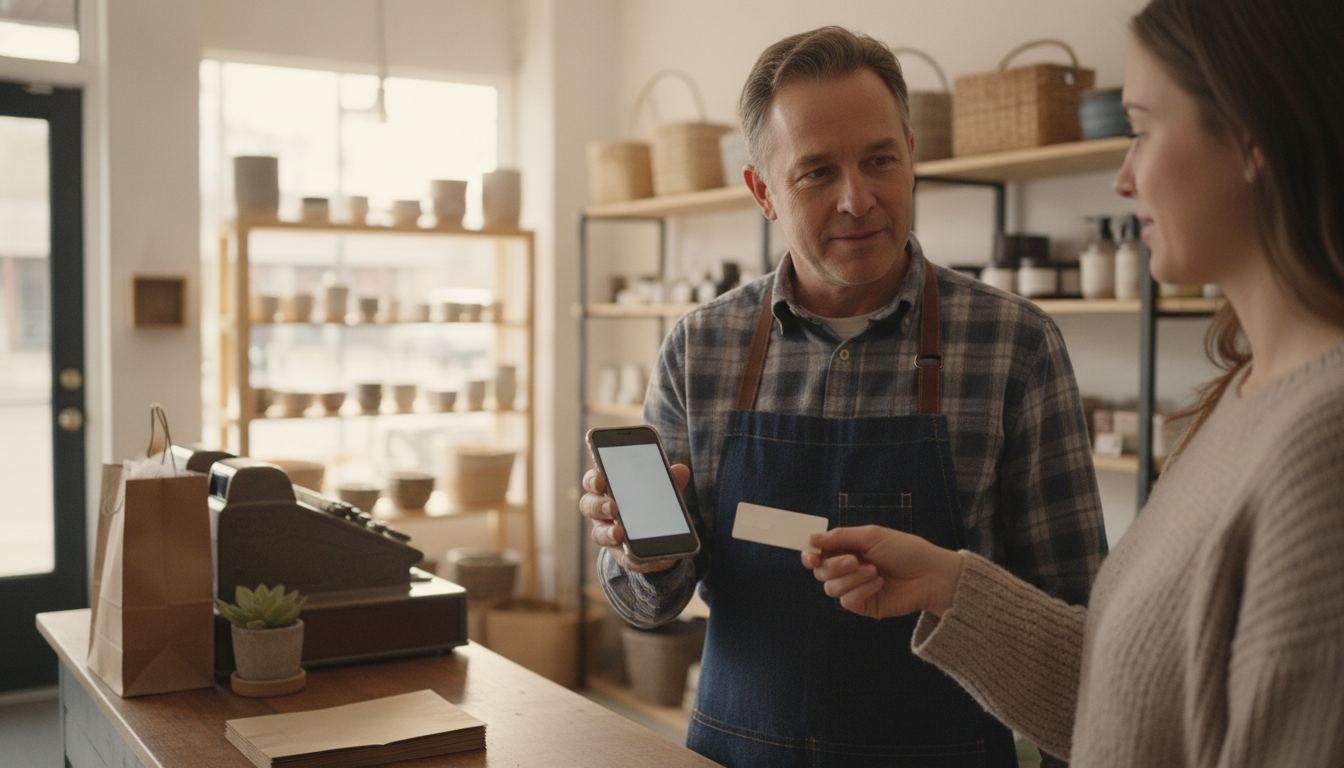
Can I use my phone as a POS? For a contactless card-present sale, yes, if the payment app on that phone supports it. That is Tap to Pay, not a full register. A phone will not scan 4,000 SKUs, split SNAP, or keep a cash drawer honest. It will take a tap when the lane is down, at a pop-up, or in line-busting.
A handheld reader for curbside is a different tool. That is on mobile credit card processing. Buying a terminal outright is on can you buy your own POS. This page is the phone itself as the terminal.
What Apple currently publishes
Tap to Pay on iPhone, retrieved 2026-09-10, says a business can accept in-person contactless payments with just an iPhone and no extra terminals or hardware. Setup is inside the payment app you already use, or a new one. You enter the amount and present the iPhone. The customer holds a contactless card horizontally or places a wallet device over the payment symbol.
Apple’s footnote on that page is stricter than the headline. Tap to Pay on iPhone requires a supported payment app and the latest version of iOS. Some contactless cards may not be accepted by your payment app. Transaction limits may apply. It is not available in all markets.
Apple also says it does not store card numbers or PINs on Apple servers, and that iPhone is designed to block camera and screen captures during transactions. That is Apple’s privacy claim on that page, retrieved 2026-09-10, not a PCI audit of your store.
Apple’s Tap to Pay FAQ, retrieved 2026-09-10, says every payment is processed by your payment service provider and deposited to the bank account you set up with that provider. The provider may also be the developer of the app. Apple does not settle the sale. On iPhone with iOS 18.4 or later, Apple documents a Store and Forward mode for accepting taps without connectivity. Ask your provider whether that mode is actually enabled for your account.
What a phone still cannot do
Tap to Pay is card-present contactless. Magstripe fallback, keyed sales, cash, checks, SNAP split tender, lottery, and a legal-for-trade produce scale are not “an iPhone.” A c-store that lives on department keys and age prompts still needs a register. Use the phone as a spare lane, not as the only lane, unless your business is actually a pop-up.
Counter Club’s published sample includes Tap to Pay with every merchant account. In-person sample processing is 2.50% plus $0.10, keyed and online 2.90% plus $0.25, with a $0 monthly fee on that sample schedule. Sample pricing applies to new accounts applying directly. Pricing is subject to underwriting, MCC and the merchant agreement; rates may differ and are subject to change. See pricing. Handheld hardware, if you still want a dedicated device, is listed there as $199 purchase or $24.95 a month rent.
If you are trying to replace a dead terminal with a phone tonight, ask whether your app actually has Tap to Pay enabled before you tell the line you are “on the phone.”
Frequently asked questions
Does Apple charge a Tap to Pay fee on top of processing? Apple’s marketing page talks about avoiding extra terminals. It does not publish a separate Apple per-tap rate. The FAQ says the payment service provider processes the sale. Your merchant discount still applies.
Will any iPhone work? Apple requires the latest iOS and a supported payment app. It does not print a model list on that marketing page. Check Apple and your processor before you buy a used phone as a terminal.
Can I use an iPad? Apple’s product is Tap to Pay on iPhone. Do not assume iPad.
Is this a replacement for EBT? No. SNAP still needs a SNAP Permit and EBT-capable equipment. See EBT and SNAP.
What about Android? That is a different Google Wallet tap-to-pay product. Read Google’s current merchant page for that OS. Do not copy iPhone footnotes onto a Pixel.