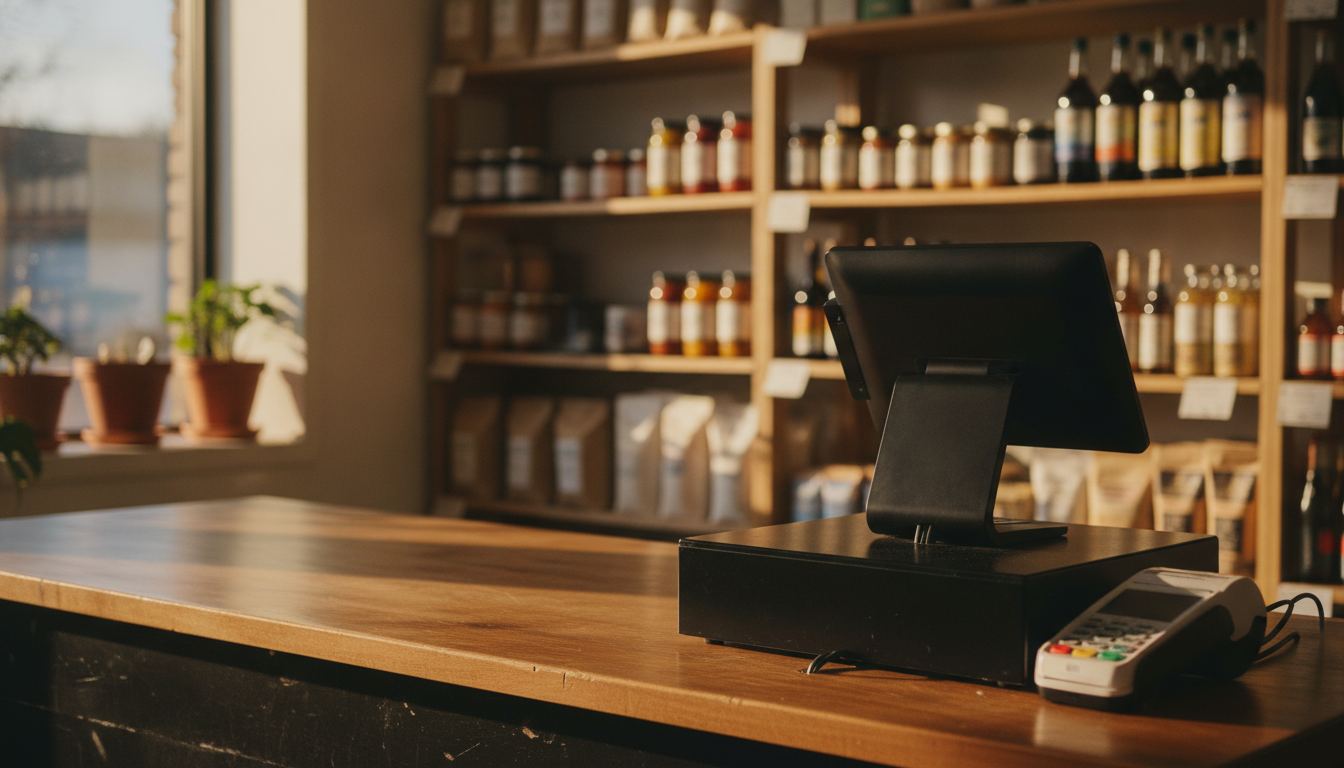
Mobile credit card processing for small business is worth having for four specific jobs and worth ignoring for everything else. It is a second way to take a card away from the register, not a replacement for the register. Bought for the right job it pays for itself. Bought as a strategy it gathers dust.
The four jobs it actually does
Curbside and delivery. A driver taking payment at the door with a reader in hand is taking a card-present transaction. A driver phoning the card number back to the store is not, and that costs more and carries more risk.
Off-site sales. A stall, a market, a festival table, a parking lot event. The store keeps trading and you take cards at the tent.
Business and account customers. Restaurants, caterers and offices that buy from you regularly and get served away from the queue.
The lane being down. A terminal fails during a busy stretch and a charged handheld gets you through the afternoon. This is the reason most owners eventually buy one, and the cheapest time to buy it is before that afternoon.
What mobile credit card processing for small business actually is
Three parts. A reader that accepts tap, chip and sometimes swipe. A phone or tablet running the app. And a connection, either the device’s cellular data or your store’s wifi.
Some setups skip the reader entirely and use tap to pay on the phone itself. That is genuinely convenient and it is worth checking two things before relying on it: which devices are supported, and what happens when a customer hands over a card that will not tap. A setup with no fallback for a chip card is a setup that fails on a Saturday.
Whichever route you take, it should sit on the same merchant account and report into the same system as the counter. Two separate accounts means two sets of deposits, two reconciliations and inventory that only knows about half your sales. Our inventory management page covers why that second half matters.
The part that costs you money
How the card is presented sets the price. Our own published rate is 2.50% + $0.10 on a tapped, dipped or swiped in-person sale, and 2.90% + $0.25 on a keyed or online sale. A handheld smart terminal is $199.00 to purchase or $24.95/mo to rent, with one free per location. Early termination is none, but $395 if rented equipment is not returned. Sample pricing applies to new accounts applying directly; pricing is subject to underwriting, MCC and the merchant agreement; rates may differ and are subject to change.
Square’s magstripe reader page (retrieved 2026-09-11 from squareup.com/us/en/hardware/reader) says the first Square Reader for magstripe is free, additional readers are $10, and in-person swipe on that page is 2.6% + 15¢. That reader swipes only. Chip and tap need Square Reader for contactless and chip, or Tap to Pay on iPhone or Android with no extra hardware. Offline payments process when you reconnect and decline if you do not reconnect within 24 hours of the first offline payment. Square’s footnote says you are responsible for expired, declined or disputed offline payments, and Square cannot give you the customer’s contact details for those declines. Those are Square’s published figures and conditions that day, not a Counter Club quote.
So the fee question is really a discipline question. A charged reader that goes out on every run is cheaper than the same sales keyed later. Put the arithmetic on your own volume through our credit card processing fee calculator and the gap between the two habits shows up quickly.
Connectivity is the other quiet cost. Offline modes exist and they vary in how they handle a decline that arrives after the customer has left. Ask any provider exactly what happens to an offline transaction that fails, and who wears it.
Where it should not replace the counter
A handheld will not run your store. It will not manage thousands of SKUs, pack sizes and case breaks, it will not drive a scale, and it usually will not carry the age prompts, lottery integration and scan data your main system handles. Those belong on the counter system, and what that looks like for a small store is on our convenience store POS page.
Treat the mobile reader as an extension of that system rather than an alternative to it. One catalog, one set of reports, one deposit.
The compliance piece for age-restricted goods
If you sell alcohol or tobacco away from the counter, the checking obligation travels with the goods. What is required, who may accept delivery and what the driver must record varies by state and by product, and it changes. Read your own state’s current rules rather than assuming the counter procedure covers you.
Whatever your state requires, it is better handled by a prompt in the system than by a driver’s memory. How that works at the register is on our age verification page, and if you want a straight opinion on whether a handheld is worth it for your store, tell us how you would use it.
Frequently asked questions
Is a phone reader secure enough for a real store? Card data on a modern reader is encrypted at the point of read and never sits on your phone in usable form. The weaker links are practical ones: a shared device with no lock screen, staff logins nobody rotates, and readers left in a car overnight. Handle those and the technology side is sound.
Do I need a separate merchant account for mobile sales? You should not. Ask for the handheld on your existing account so deposits, reporting and inventory stay in one place. A second account creates a second reconciliation every day and a second monthly bill, and it hides how much of your business is happening away from the counter.
What happens if the reader loses signal mid-sale? Behavior differs by provider. Square’s magstripe reader page (retrieved 2026-09-11) says offline payments decline if you do not reconnect within 24 hours of the first offline payment, that you wear expired, declined or disputed offline payments, and that Square cannot give you the customer’s contact details for those declines. Ask any other provider the same questions in writing.
Can one reader cover two staff members? Physically yes, practically no. If two people are taking payments at once you need two devices, and each should be signed in as its own user so the day’s takings can be attributed. Shared logins make a shortfall impossible to trace back to a shift.