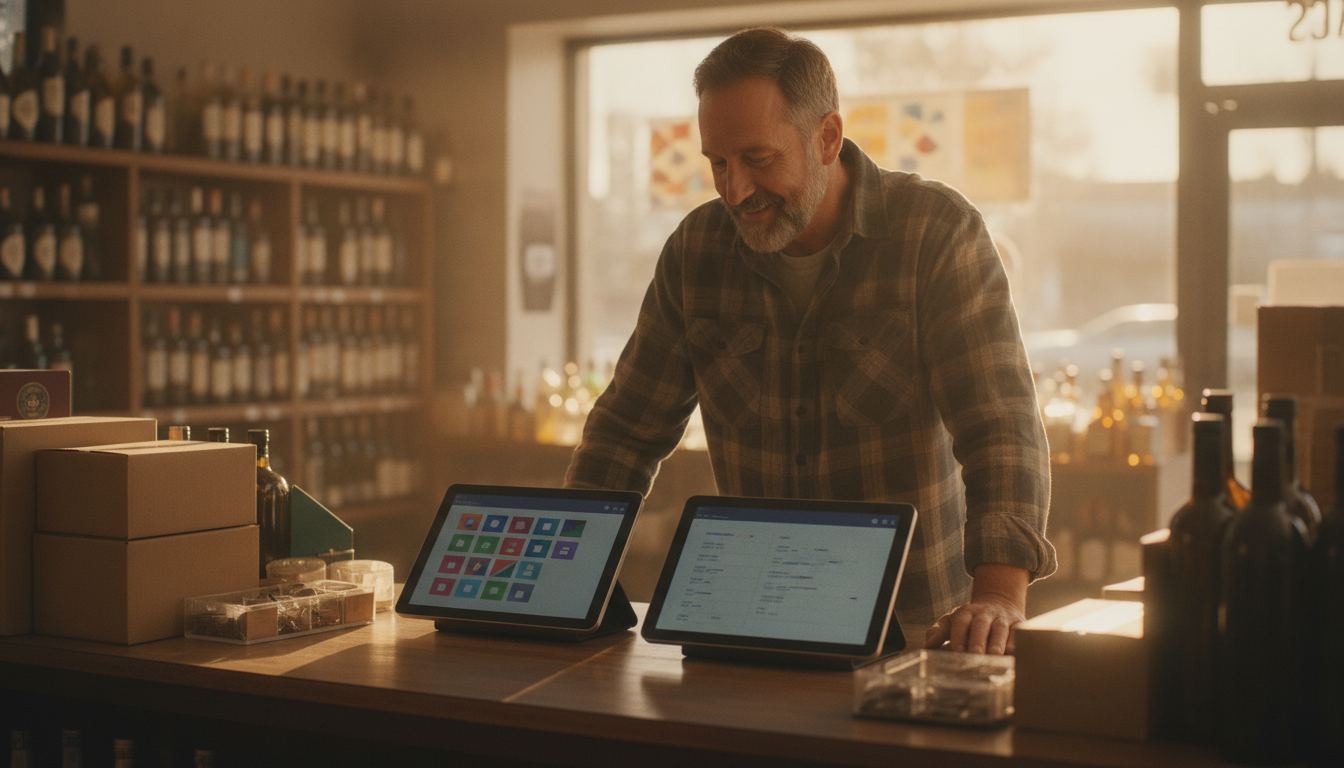
This is a sourced Bottle POS buying guide, not a hands-on review. We have not installed or tested Bottle POS, and the review platforms we checked for this topic were unavailable to this evidence capture. We therefore do not claim a customer-review consensus. The useful job is to separate what Bottle publishes from the checkout, inventory, age-check, fee, and support claims that still need a live test and written agreement.
Bottle POS’s own pricing page, retrieved 2026-09-13, lists $59/Month for small retail stores. That is the vendor’s published figure that day, not a substitute for a demo on your catalog. Third-party comparison articles can supply questions, but seller-authored case studies and competitor comparisons are not independent customer sentiment.
What can third-party Bottle POS pages actually tell you?
Online feedback is useful for finding repeated friction, not for choosing a system by vote. A complaint may reveal an issue worth testing. Praise may point toward a useful workflow. Neither proves that your store, staff, catalog or processing arrangement will have the same experience.
Look for specific descriptions of ordinary work. Did the reviewer explain what happened during receiving, checkout, a return or a price change? Did they mention the type of store they operate? Detailed accounts deserve more weight than vague praise or anger.
Also pay attention to dates. Software, hardware and support processes change. An older comment can still suggest a good demo question, but it should not be treated as a description of the product today. Ask Bottle to show the relevant workflow and confirm important terms in writing.
The practical conclusion is simple. Keep the system on your shortlist if its live demonstration matches how your counter works. Remove it if important tasks feel awkward, unclear or dependent on workarounds.
How can you test the system before making a decision?
Build the demonstration around your store instead of accepting a polished sales tour. Bring examples of awkward transactions, unusual products and everyday inventory problems. The salesperson should work through them while you watch each screen and count the steps.
Test a mixed basket with age-restricted merchandise, an item missing a barcode, a discount, a return and a split payment. Ask how the cashier corrects a mistake without abandoning the sale. Our guide to age verification at the register explains the questions worth asking about prompts, overrides and record handling.
Next, move away from the checkout screen. Ask to receive a shipment, change a cost, search for an item and review a count discrepancy. If inventory accuracy is a persistent problem, compare the demonstration with the workflows described in our inventory management guide.
Do not let a sample catalog hide weak search or setup tools. Ask the presenter to create an item from scratch and import a realistic product file. A good fit should make the routine work understandable to the people who will actually use it.
Which counter workflows matter most in a liquor store?
The best system is the one that handles your common exceptions without slowing the line. Basic checkout matters, but difficult baskets expose the real design of a register.
Focus your evaluation on these jobs:
- Finding an item when the barcode will not scan
- Applying a promotion without changing the wrong product
- Handling case, pack and single-item inventory correctly
- Receiving a delivery while the store remains open
- Processing a return with clear staff permissions
- Recording damaged, missing or store-use stock
- Prompting for an age check without encouraging careless overrides
- Finding the source of a count difference after closing
Ask who can edit prices, issue refunds and change inventory. Permissions should match how you divide responsibility. They should also be understandable enough that you can review them without becoming the store’s unofficial IT department.
If your catalog is the hardest part of the business, read the broader guide to liquor store inventory software. It covers purchasing, receiving, product organization and the questions that expose whether a system will keep the count trustworthy.
When is switching POS systems worth the disruption?
Switching makes sense when the present system creates recurring operational pain that a replacement can clearly remove. A newer screen or nicer report is not enough. The gain should affect checkout, inventory control, staff accountability or your ability to understand what you are paying.
Staying put may be the better choice when the current register is reliable and the alternative only changes the appearance of familiar tasks. There is no prize for replacing a system that already does the necessary work. Training, catalog cleanup and hardware changes all demand attention from the store.
Before signing, map the change from export through opening day. Confirm who prepares the item file, who checks taxes and departments, how staff practice, and what happens to historical records. The switching POS systems guide gives you a practical framework for planning that work without treating the transition as an afterthought.
Get every responsibility in writing. If a key migration step is described as easy but nobody owns it, assume it still belongs to you.
What should you compare besides software features?
Compare the complete operating arrangement: equipment, processing, contract terms, setup duties, support access and exit conditions. An attractive register can become frustrating when those surrounding details are vague.
Ask Bottle for the full fee schedule and merchant agreement that would apply to your account. Do not rely on a reviewer’s bill or an old screenshot. Processing terms can differ by business profile and agreement. Our card processing fee guide explains how to read the common parts of a statement without treating every charge as the same thing.
Hardware ownership also deserves a direct answer. Confirm what you buy, what you rent, what must be returned and what happens if equipment fails. Ask whether optional devices require separate agreements. Put verbal explanations beside the written documents and resolve anything that does not match.
Finally, compare the alternative against your real budget rather than a headline. The POS system cost guide shows which cost categories to collect. If you want to compare that framework with Counter Club, review our published pricing and request the complete terms for your store.
Frequently asked questions
Is Bottle POS a good choice for a liquor store?
It may be, but the answer depends on how well the demonstrated system handles your catalog, receiving process, age checks, promotions and staff permissions. Do not decide from a rating alone. Ask Bottle to perform your difficult daily tasks, provide applicable terms in writing and explain who owns each part of setup.
Should I trust positive online feedback about a POS system?
Treat positive feedback as a source of questions, not proof of fit. Detailed comments can identify workflows that owners value, but another store may have different merchandise, staffing and processing terms. Verify each important point in a live demonstration, then confirm contractual details in the documents prepared for your business.
What should I bring to a POS demonstration?
Bring a sample product file, examples of unusual barcodes, a recent processing statement and a short list of transactions that regularly cause trouble. Include returns, promotions, receiving and count corrections. Concrete examples keep the demonstration focused on work your staff performs instead of features that look impressive but rarely matter.
How do I compare support between POS providers?
Ask how help requests are submitted, when assistance is available, who handles hardware problems and what support is included in your agreement. Then test the documented process before committing if the provider allows it. Clear ownership matters more than a broad promise that someone will help when something goes wrong.
What if I cannot tell whether switching is worthwhile?
Write down the recurring problems with your present system and the business effect of each one. Ask every provider to demonstrate how its product addresses those exact problems. If the difference remains minor or uncertain, delaying the switch may be sensible. You can also tell us what is happening at your counter for a focused comparison.