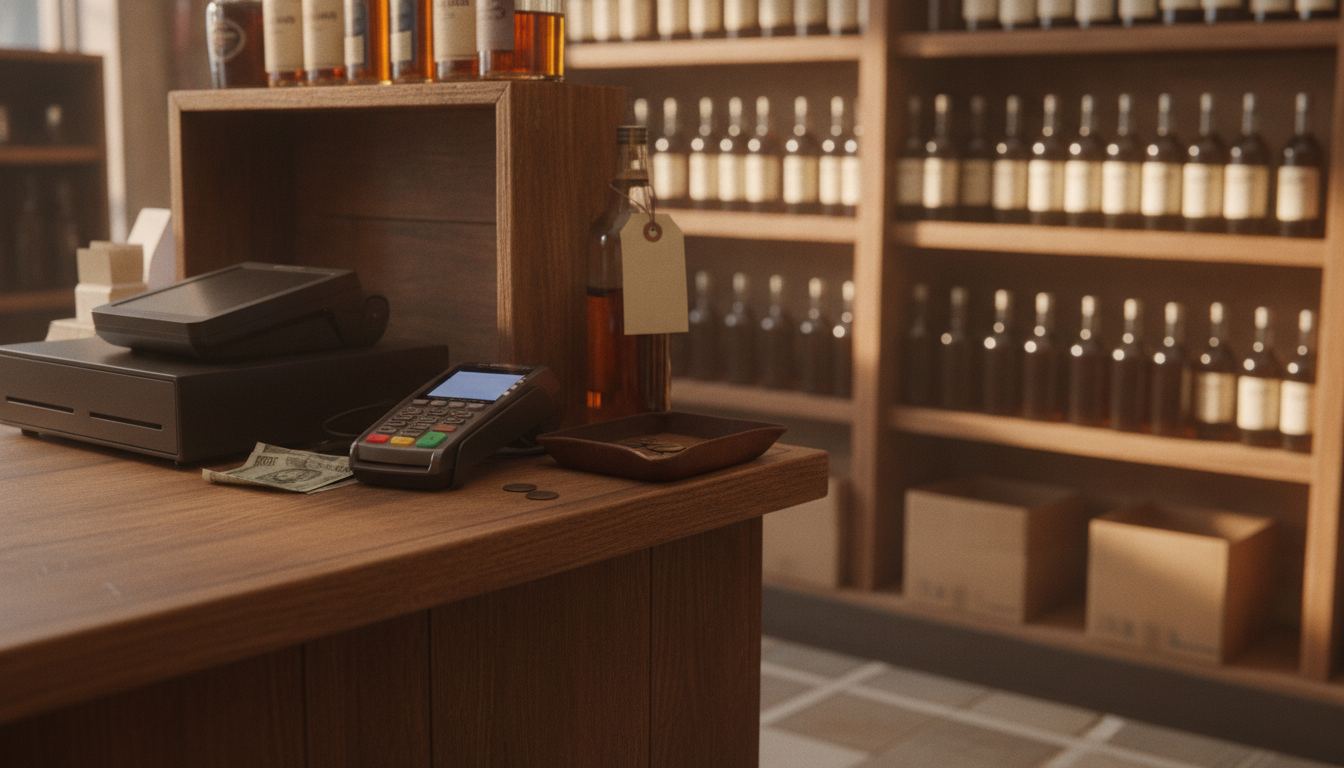
Verifone POS can be a sensible fit when a store mainly needs dependable payment acceptance, but the name alone does not tell you whether inventory, age checks, receiving and register workflows will fit your counter. Judge the full setup, including software, processor terms, hardware ownership and support, before you replace anything.
Google currently ranks an mPower beverage age-verification explainer first for the query attached to this URL. That is a liquor-POS workflow article, not a Verifone invoice. Verifone’s hardware-overview page retrieved 2026-09-11 prints no public device dollar, and a separate Verifone devices URL returned 404 the same day. Do not treat the brand on the PIN pad as proof the register can receive a case, break it, and block a beer until the ID scan clears.
Is Verifone POS right for a busy retail counter?
It can be, especially when payment acceptance is the main requirement. The harder question is whether the complete system supports the work surrounding each sale. Liquor stores and convenience retailers need more than a terminal that accepts a card.
Start with the counter. Cashiers should be able to find products quickly, scan unusual barcodes, confirm prices and correct mistakes without waiting for a manager. Receiving, inventory counts and age checks should connect cleanly to that workflow. Our guide to choosing a liquor store point-of-sale system explains the broader requirements worth testing.
Keeping your current setup may be the better decision if it already handles those jobs well and its costs are clear. A new terminal alone will not fix weak inventory records, confusing permissions or poor product data. Switch when the complete replacement solves a specific problem that matters to the store.
What does the name on the terminal actually tell you?
The name identifies the payment hardware or technology involved, not necessarily every company or service behind the checkout. Depending on the configuration, separate providers may supply the register software, payment processing, gateway, installation and ongoing support.
That distinction matters when something stops working. Ask who handles a declined transaction, who updates the product catalog and who replaces damaged equipment. Get each responsibility in writing. A recognizable device is useful, but it does not replace a clear support path.
Inventory deserves the same scrutiny. Ask whether sales reduce stock immediately, how deliveries are received and whether staff can investigate adjustments. Compare those answers with the practical features described on our inventory management page. The best demonstration uses products and tasks that resemble an ordinary shift in your store.
What matters for age-restricted sales?
Age verification must fit naturally into checkout without giving staff a false sense of certainty. A scanner may read identification data, but store policy and applicable law still determine what employees must inspect and when a sale should be refused.
During a demonstration, ask the seller to show the entire workflow. Watch what appears on screen, whether prompts can be bypassed and whether managers can review relevant activity. Our age verification guide covers the questions owners should ask before relying on any scanning feature.
Requirements for alcohol and tobacco sales vary by state and can change. Confirm the rules that apply to your store with the appropriate state source or qualified adviser. Staff training should explain both the system prompt and the human judgment expected after it appears.
Which store workflows deserve a live test?
Test the routine jobs that create lines, shrink and staff frustration. A polished sales presentation can hide extra taps or missing controls. Ask to operate the system yourself while the seller watches.
Use a realistic checklist:
- Ring up products with damaged or unusual barcodes.
- Search for an item when the barcode will not scan.
- Receive a mixed delivery and correct a quantity.
- Process cash and card transactions.
- Apply a return with the appropriate manager permission.
- Check stock for an item that may be in the back room.
- Review a price change and see who can approve it.
- Export product, sales and transaction data.
Convenience retailers should also examine fuel, prepared food, tobacco and benefit-payment needs where relevant. The right questions will differ by store. Our convenience store POS overview shows how those requirements can affect the counter setup.
What should you inspect before signing?
Inspect the complete agreement, not just the device order. You need to know who owns the equipment, which services are separate, how processing is priced and what happens if you leave. Ask for every schedule, addendum and equipment condition before signing.
Compare the written proposal against the costs explained on our pricing page. Look for processing rates, monthly charges, equipment terms, dispute fees, compliance conditions and any minimums. Our guide to credit card processing fees can help you identify the lines that deserve a direct explanation.
Also confirm how your data can be exported. Product catalogs, customer records, sales history and inventory information may not move in the same format. Clear export terms make a future change less painful, even if you expect to keep the system for years.
How can you change systems without disrupting checkout?
A controlled change starts with clean product data and a tested fallback. Do not choose the go-live date until the catalog, taxes, permissions, receipts, payment flow and essential peripherals have been checked at the counter.
Run through common transactions before staff depend on the new setup. Confirm that employees can sign in, scan products, accept payments, correct errors and close their shifts. Keep the old system available when your agreements and equipment allow it, then retire it only after the replacement has passed your store’s tests.
Our guide to switching POS systems covers preparation, data movement and staff readiness. If you want help comparing your current setup with a replacement, describe the counter and the problems you want fixed through the contact form.
Frequently asked questions
Can an existing Verifone terminal be reused?
Possibly, but compatibility depends on the model, ownership status, software configuration, processor and security requirements. Do not assume that a familiar-looking device can simply be moved to a new provider. Give the proposed provider the exact hardware details and ask for written confirmation before treating reuse as part of the plan.
Does the terminal include liquor store inventory software?
Not automatically. The payment device and the inventory platform may come from different parts of the setup. Ask the seller to demonstrate receiving, case breaks, stock adjustments, purchase orders and product exports. If those tools come from another provider, clarify who supports the connection when transaction and inventory records disagree.
Can the system scan identification?
Some configurations may connect with identification-scanning hardware or software, but the precise workflow depends on the complete setup. Ask to see the actual screen prompts and manager controls. Then confirm that the process matches your written store policy and the laws that apply in your state.
Should I replace a working register just to get newer payment hardware?
Usually not. If the current register handles inventory, staff permissions and reporting well, replacing everything may create more work than value. First determine whether payment hardware can be updated separately. A full switch makes more sense when the existing system has broader problems that the proposed replacement clearly solves.
What should I bring to a system comparison?
Bring a recent processing statement, your current agreement, equipment details and a list of counter problems. Include examples involving barcode trouble, receiving, returns, age checks and inventory corrections. That information helps separate a meaningful improvement from a hardware change that leaves the underlying store problems untouched.