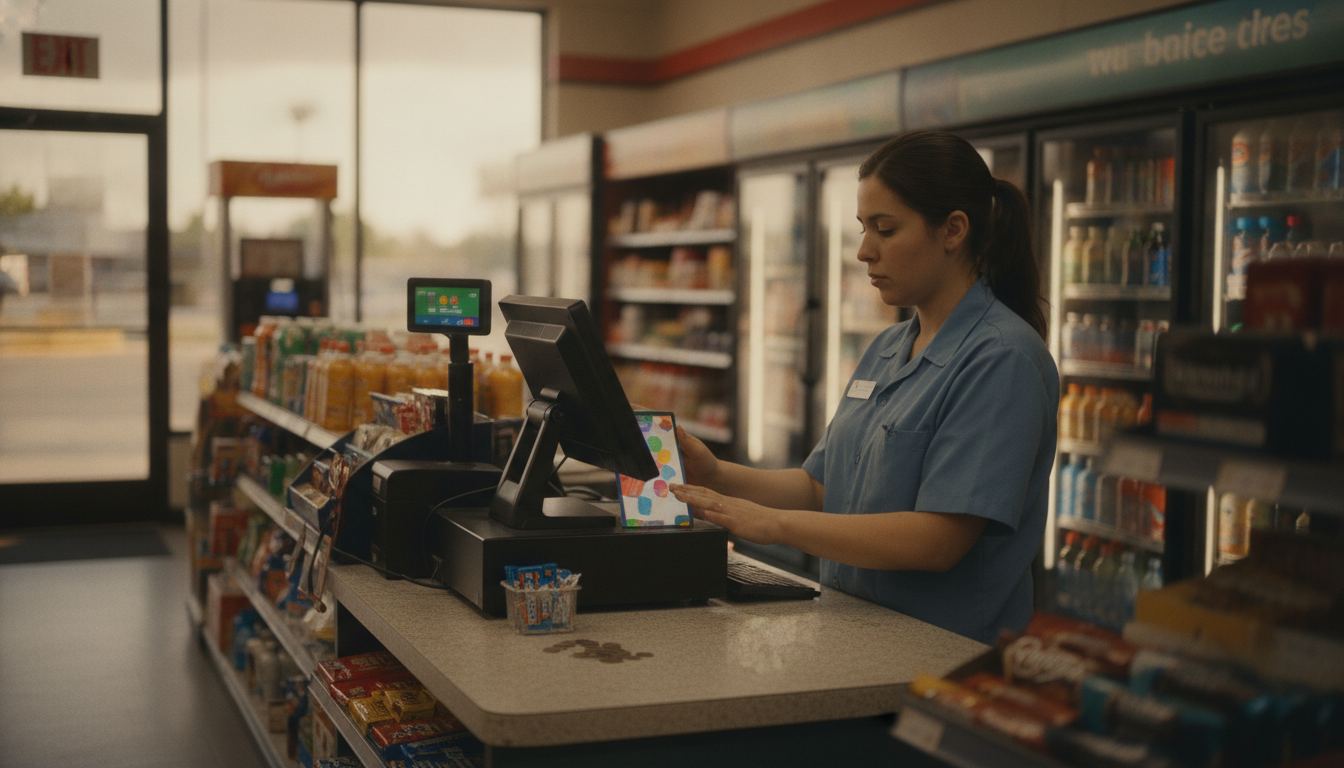
The best pos for gas station is the one that keeps fuel counter sales, store inventory, age checks and rush-hour payments in one clear workflow. Start with how your counter actually runs, then compare compatibility, payment terms, hardware fit and the work required to switch.
What makes the best pos for gas station?
A strong fit connects the forecourt and store without making cashiers repeat work. It should support prepay fuel sales, quick item lookup, clear tender handling and dependable shift closeouts. Just as important, the provider should explain every system dependency before you commit.
Gas stations do not all operate the same way. Pump equipment, controllers, register hardware and payment arrangements can differ. Give each vendor the exact equipment you use, then request written confirmation of compatibility. A confident sales presentation is not a substitute for that confirmation.
The system also needs to fit the store attached to the pumps. Your merchandise mix, restricted products, benefit acceptance and staffing habits matter. Our gas station POS overview explains how Counter Club approaches the complete counter rather than treating fuel and retail as separate conversations.
NRS currently ranks first for “best POS system for gas station” with a 31 October 2023 article that lists NRS Petro POS starting at $1,495.00 (retrieved 2026-09-11 from nrsplus.com/blog/choosing-a-pos-system-for-gas-stations). That is NRS’s 2023 published starting price, not a quote for your pumps. Petrosoft ranks for “gas station back office” with CStoreOffice. Gilbarco product pages for other regions also appear. Ask each vendor which forecourt controller version they certify against, then run a prepay, a drive-off reverse, a beer ID prompt and an EBT staple in one demo.
Which counter features deserve a live demonstration?
Ask the vendor to run your most awkward transactions in front of you. A polished home screen proves little if a cashier cannot correct a fuel prepay, suspend a basket or find an unscanned item while customers wait.
Use familiar situations during the demonstration:
- Enter a fuel prepay, change it and explain how any unused amount is handled.
- Ring a mixed basket containing scanned items, produce and an item found through search.
- Show how a cashier corrects a mistake without losing the rest of the sale.
- Open and close a shift, then identify cash and inventory differences.
- Explain what staff can still do if the internet connection is interrupted.
- Show which actions require manager permission and where those actions appear in reports.
Restricted-item prompts can support your process, but they do not replace staff judgment or training. Requirements vary, so confirm the rules that apply to your store. The age verification guide covers the practical role of scanning and cashier prompts.
If your store accepts eligible benefits, ask the vendor to demonstrate the exact checkout flow and explain the setup requirements. You can review the basic considerations on the EBT and SNAP processing page before comparing systems.
How should the system handle store inventory?
The inventory system should make receiving, counting and reordering easier across a mixed catalog. Look for clear handling of individual units, packs and cases. Staff should be able to correct quantities without creating a trail of unexplained changes.
Ask how the system handles duplicate items, barcode changes, vendor information and products sold in different package sizes. Then test the reporting with questions you actually ask, such as what is low, what has not moved and why the recorded count differs from the shelf. Our inventory management page outlines the controls worth examining.
Some categories need their own workflow. Ask what a lottery integration records and what remains outside the register. If you participate in a tobacco reporting program, review how the system handles eligible product files and exports through the tobacco scan data page. Program terms come from the program itself and can change.
What should you compare on processing and total cost?
Compare the complete written schedule, not just the headline rate. Review processing, equipment ownership, software, support, dispute handling, minimums and exit conditions together. A low transaction rate can still be a poor fit when the operating terms do not match your store.
Counter Club publishes its current rate card and the conditions attached to it on the pricing page. Pricing is subject to underwriting, MCC and the merchant agreement. Rates may differ and are subject to change. Approval rests with the acquiring bank.
Use recent statements and your actual sales mix when comparing options. The processing fee calculator can help organize that comparison. Before signing, also ask which equipment is purchased or rented, what happens when hardware needs replacement and what must be returned after cancellation.
When is switching worth the disruption?
Switching makes sense when the current register creates repeated operational problems that the new system can clearly solve. Those problems might include difficult inventory counts, slow item lookup, weak permissions or reporting that leaves the owner reconstructing every shift by hand.
Switching may not be worth it when the current setup is stable and the proposed replacement offers only a nicer screen. Training, cleaner item data or a better closing routine might solve the real problem with less disruption. Ask the vendor to show the improvement before accepting the burden of a move.
If you proceed, decide who owns item cleanup, hardware installation, staff training and payment setup. Preserve exports from the old system and verify important items before launch. The switching guide explains how to plan the change without treating migration as an afterthought.
Frequently asked questions
Can one register handle both fuel and store sales?
It can when the register is compatible with the station’s forecourt equipment and payment setup. Compatibility should be confirmed for your controller, pumps and intended checkout flow. Ask the vendor to demonstrate a fuel prepay, a changed amount and the related reporting, then provide the supported configuration in writing.
Do I need new pumps before changing the register?
Not always. The answer depends on the existing pump equipment, forecourt controller, payment hardware and the system being considered. Give the provider exact model information before agreeing to anything. If an adapter, controller change or payment hardware update is required, get its purpose, ownership and cost documented.
Can age verification prompts replace cashier training?
No. Prompts and ID scanning can help staff follow a consistent process, but the cashier remains responsible for completing the sale correctly. Rules vary, and software settings do not settle every judgment. Train staff on store policy, confirm applicable requirements and review how overrides appear in manager reports.
Should I choose the system with the lowest processing rate?
Not by rate alone. Compare the written processing schedule with equipment terms, software needs, dispute fees, minimums, support and cancellation conditions. Then consider whether the register improves daily work. A cheaper-looking offer can become frustrating if it adds manual steps or leaves important costs unclear.
How should I prepare inventory for a system change?
Export the current item list before anyone edits it. Remove obvious duplicates, confirm barcodes and decide how packs, cases and individual units should be represented. Clarify which historical records will move and which will remain archived. Complete a careful physical count near the change so the new system begins with useful quantities.