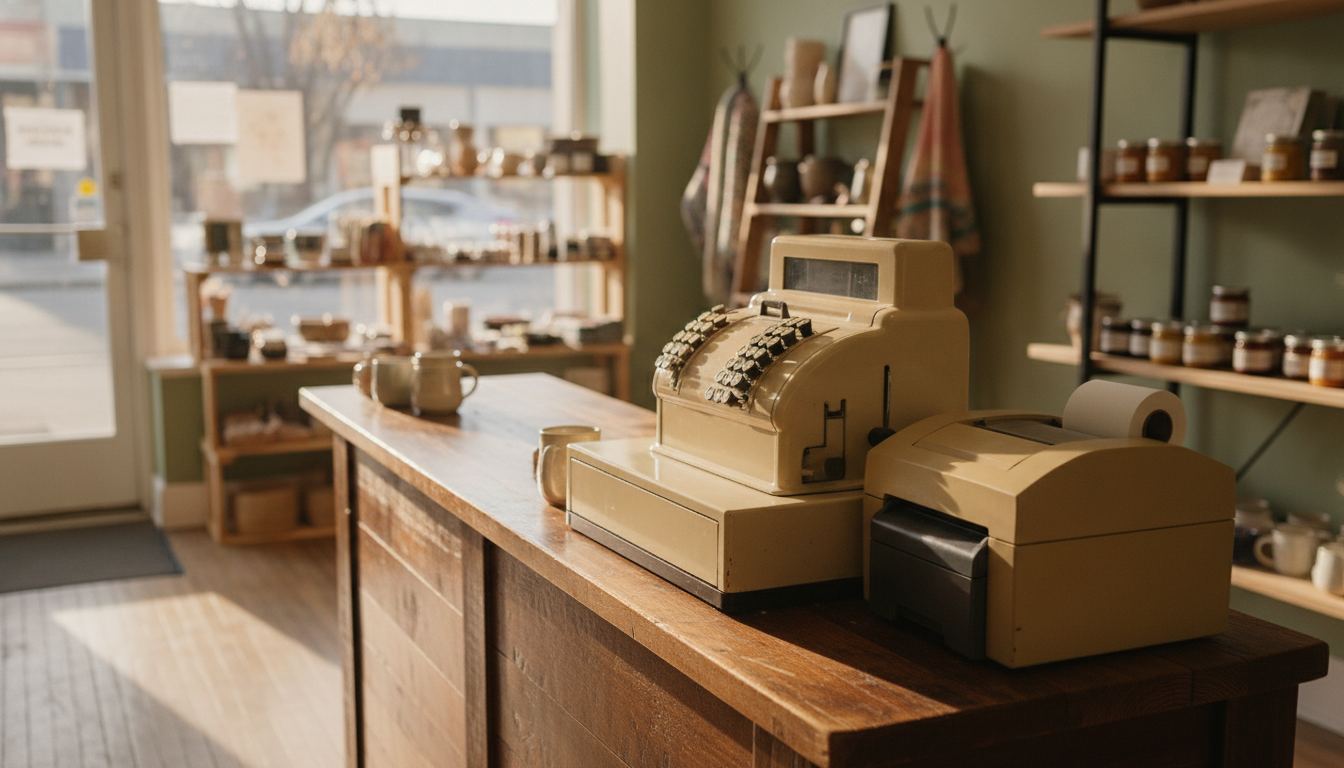
A used square pos system can be a sensible buy when the hardware is still supported, the seller can prove ownership, and every part works. The bargain disappears if you need replacement peripherals, the device cannot run the current software, or the setup misses liquor store tasks such as age checks and inventory control.
Is a used square pos system worth buying?
Yes, sometimes. Square is a capable choice for a straightforward counter, and buying secondhand can reduce the hardware outlay. The deciding issue is not whether the casing looks clean. It is whether the complete checkout supports the work your store performs every day.
Before paying, match the exact model against Square’s current hardware information. Confirm which devices, cables, printers, scanners and cash drawers it requires. Product names can remain similar while connections and compatibility change.
A Square Community thread from 30 October 2023 (retrieved 2026-09-11, “Is it safe to buy a used Square Terminal from a friend?”) is a merchant-to-merchant answer, not a Square Support policy page. The reply that Square marked as the practical answer said a Terminal is not locked to the previous owner’s customer record. It signs in with a Square login or a device code, inventory lives in the Square Dashboard rather than on the device, and you add the hardware under Dashboard device management. That matches the job you are buying: a screen that can talk to your account, not a box that already holds someone else’s catalogue. Confirm the current steps on Square’s own hardware and device pages before you pay, because a 2023 community reply can age.
If your current Square setup works well, your staff understands it, and the used hardware is fully compatible, keeping that workflow may be reasonable. Switching merely to put a different brand on the counter is rarely worth the disruption.
What should you inspect before paying?
Inspect the complete working setup, not just the main screen. A clean register can still become an expensive project when its power supply, printer, scanner or payment hardware is missing or incompatible.
Ask the seller to demonstrate these points:
- The register starts normally and completes a factory reset.
- The model name and serial information are readable.
- The touchscreen, card reader, contactless reader and physical ports respond.
- The receipt printer feeds paper and produces a clear receipt.
- Every required power adapter, cable, stand and mounting part is included.
- The seller can provide proof that the equipment belongs to them.
- Square currently lists the model and its required devices as supported.
Then compare the checkout against your store’s actual routine. If regulated products are part of the mix, review how age verification fits at the counter. Do not confuse product barcode scanning with identification checks. They are separate jobs and may require different equipment.
Catalog work matters too. A register that processes a sale can still be a poor fit if receiving cases, counting bottles or correcting stock takes too long. Review the practical requirements of retail inventory management before treating a low purchase price as a bargain.
What can go wrong after the sale?
The common failure is not a dead screen. It is a system that turns on but cannot complete the store’s normal workflow. Missing accessories, outdated connections and unsupported devices often appear only when setup begins.
Buying hardware does not automatically bring the seller’s software choices, catalog, staff permissions or processing arrangement with it. Treat the account, software and payment terms as separate decisions. Confirm the current requirements directly with Square before money changes hands.
Ownership deserves equal attention. Equipment may have been rented, financed, assigned to another business or sold without every required component. Ask for a written receipt that identifies what you bought. If the seller cannot show ownership or refuses to reset the equipment, walk away.
Finally, consider support. A private seller may offer no return option after you discover a fault. Read Square’s current hardware terms, then decide how much repair and replacement risk you are willing to accept.
How should you compare the full cost?
Compare the complete cost of reaching a working counter. The seller’s asking price is only the starting point. Add any required tablet, scanner, printer, cash drawer, stand, cables, replacement parts and setup work.
Payment processing belongs in the comparison as well. Read Square’s current pricing page rather than relying on an old receipt, advertisement or seller estimate. The processing agreement you receive matters more than what the previous owner paid.
You can also review how card processing fees are structured and compare the written schedule with the way customers actually pay. In-person purchases, keyed orders and online transactions can follow different terms.
If you are comparing Counter Club, the published pricing page shows the available structure and conditions. Compare like with like. Hardware ownership, software access, processing, support and replacement exposure should all appear in the same decision.
When is a store-focused register the better choice?
Choose a store-focused register when inventory and regulated-product workflows matter as much as taking payment. Liquor stores, small grocers and convenience retailers often need more than a basic item list and card reader.
Start with the jobs that create mistakes or delays today. These may include receiving cases, selling individual units, finding products quickly, checking identification, managing departments and reviewing stock movement. See how a liquor store POS system handles those tasks before comparing hardware prices.
A secondhand Square setup may still be the right choice if it supports your catalog, peripherals and daily routine without awkward workarounds. Square is genuinely useful for many straightforward counters.
If the missing functions will create manual work every shift, buying cheap hardware can cost more in attention than it saves in cash. Review the steps for switching POS systems before deciding. A planned change protects the catalog, staff routine and checkout flow.
Frequently asked questions
Can I activate Square hardware bought from another business?
Possibly, but do not assume that every model can be activated with your intended setup. Record the exact model and serial information, then confirm current compatibility with Square. Complete this check before paying. A working screen only proves that the device powers on, not that it will work with your account and required peripherals.
Does a factory reset prove the register is ready to use?
No. A factory reset helps remove the previous setup, but it does not prove support, ownership or accessory compatibility. You still need to test the screen, payment reader, printer, ports and power equipment. You should also confirm that the current software supports the hardware model you are considering.
Will the previous owner’s inventory transfer with the register?
Do not expect inventory data to transfer merely because you bought the hardware. Catalogs and transaction records belong to the software and account setup, not the physical casing. Ask whether the seller can export useful product data, then confirm that your chosen system can import it cleanly before planning the change.
Can secondhand Square equipment handle identification checks?
That depends on the exact hardware, software and counter procedure. A product scanner is not automatically suitable for checking identification. Define how staff should confirm age, what information should appear and what happens when a check fails. Then verify that the proposed setup supports that process without improvised steps.
When should I buy new equipment instead?
Buy new when compatibility is uncertain, essential parts are missing, the seller cannot prove ownership or the difference in total cost is small. New equipment can also be the cleaner choice when downtime would disrupt the store. Compare the complete working setup, not the register alone.
Can Counter Club check hardware I already own?
Compatibility depends on the exact model, condition and intended setup. Keep the model information, photographs and accessory list, then send the details through the contact form. Do not discard working equipment before it has been checked. Some components may remain useful even when the main register is not the right fit.