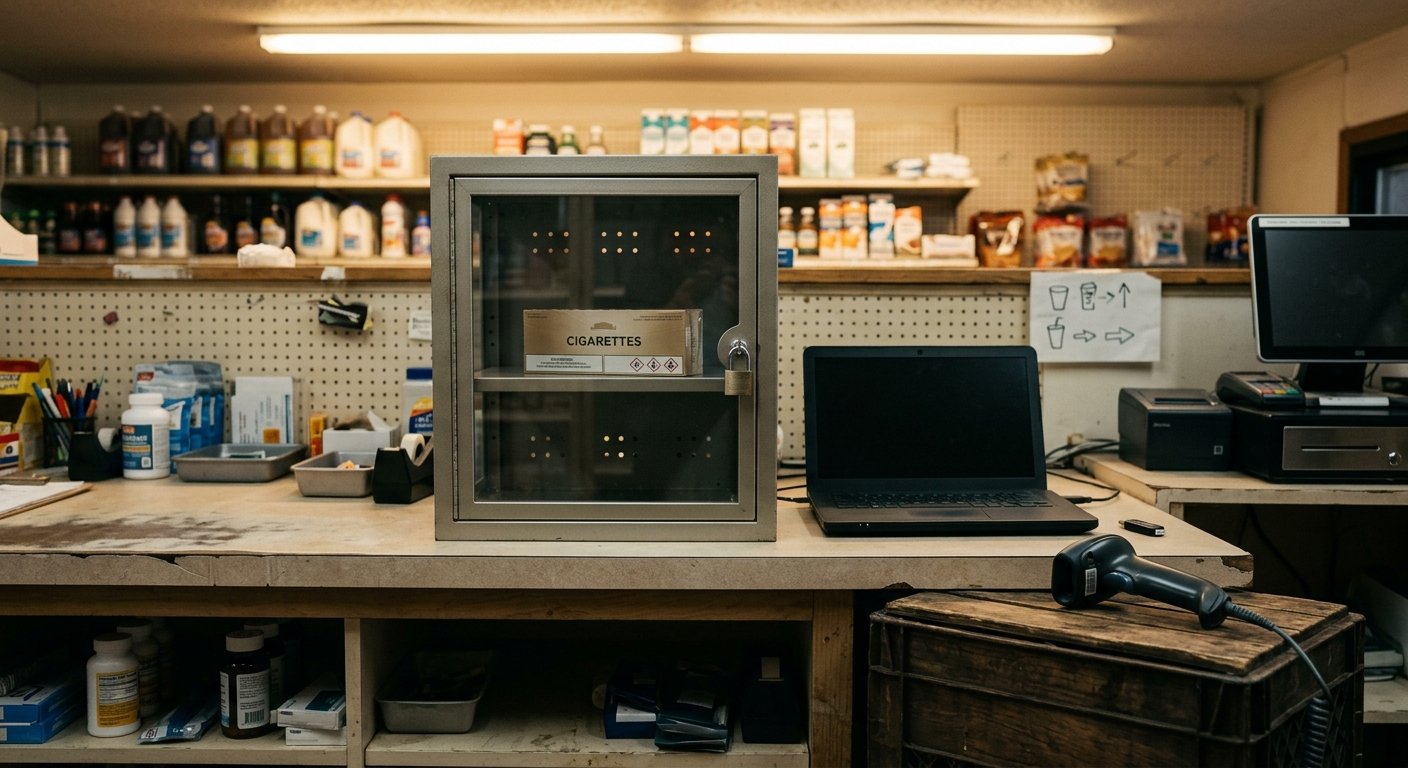
The manufacturer does not want a handwritten recap of last week’s cigarettes. A tobacco scan data file is the scheduled export of tobacco scans from the register, in the format the program asks for. It has to carry the UPC, pack versus carton, quantity, date, and store. If your POS version and item file cannot produce that file, enrollment does not create it. We check that export during setup. Payment amounts and eligibility stay with the manufacturer program, not with the register vendor.
What a tobacco scan data file is for
A tobacco scan data file exists so the manufacturer can see what actually scanned at your counter. It is not a receiving log. It is not a department total labeled cigarettes. It is the scan trail from live tickets, pulled on the schedule the program publishes, then matched to their catalog.
That distinction matters at a busy c-store. You can be honest about volume and still fail the program because the file never names the barcode. A recap of a brand you moved does not identify a UPC. The program is trying to attach a scan to a catalog row and to the deal you signed.
What scan data is walks through the program itself. This page stays on the export. We set up convenience store POS systems with barcode scanning and an item library. During that work we check whether a given POS version and item file can send the file in the format the program asks for.
Do not confuse this with lottery. The state runs its own lottery terminal, so that work is reconciliation, not a manufacturer feed. Tobacco is already inside your register. The work is getting those scans out of the box.
A USB stick full of every SKU in the store is also not the file. Chips and drinks in the same dump can be noise, or they can break a load that expected tobacco only. Read the current program packet for the layout.
If you already run tobacco scan data programs, the file is the whole relationship. Miss the format and the manufacturer cannot see the scan. If they cannot see the scan, they cannot treat the store as reporting.
The fields a manufacturer program actually wants
The current program packet names the columns. We do not. Guessing a spec is how stores submit a file that looks complete and still fails the load.
What you can plan around is the mechanism. The file has to identify the store the way the program keyed that location. It has to cover the date window they asked for. Each line has to carry a UPC the catalog recognizes, a quantity, and whether that quantity was a pack or a carton. Price and discount coding show up in many packets because a keyed override does not prove the barcode.
That is why a department report fails. A tobacco total for Tuesday never names the UPC. The manufacturer cannot match it. A house PLU you typed years ago fails the same way. The scan has to be the barcode on the pack.
Pack versus carton is the other trap. Ten packs that come out of one carton are not the same item as a loose pack, even when the brand on the box is identical. If the register rings a carton as quantity ten of the pack UPC, the file tells a story the catalog may not accept. If it rings a carton UPC with quantity one, that is a different line. The packet tells you which story they want. The item file has to be able to tell it.
Quantity is not optional. A void, a return, and a training ticket do not belong in the file as live scans. If your export cannot tell a completed sale from a practice ring, fix that before you enroll.
Store identity sounds dull until you have two locations on one back office. The file has to name the counter that rang the sale. A rolled-up company export that blends both stores will not match how the program boarded you. Read the packet you were handed for this period. Last year’s mapping is not a spec.
Why a register may not be able to produce the file
Most failures are not a broken cable. They are an item file and a POS version that cannot emit what the packet wants.
Some registers have no tobacco export at all. They can print a sales recap. They cannot drop a file. Some have a scan data export, but it is a generic item dump with no pack-versus-carton flag and no way to limit the dump to tobacco. Some can export only by department, and that department was named smokes years ago with lottery tickets mixed in.
The UPC problem is quieter. A cashier keys a price because the barcode is torn. The drawer still takes the money. The file gets a missing or wrong code. The catalog match fails. Age-restricted items added as open-department keys never had a barcode in the first place.
Version matters. We check the POS version and the item file during setup, because an older build may ring tobacco all day and still have no path to the format the program asks for. Shipped, pre-configured hardware does not change that. The software has to be able to produce the file.
Third-party reporting lines sit on top of that export. If you are looking at a vendor that formats and forwards the file, read our note on Skupos scan data. That path still needs a register that can emit clean scans. A reporting service cannot invent a UPC the item file never stored.
Leaving a system is a related warning. Sales history does not migrate. The old processor keeps its own records. The item library and pricing can move. The scan data file is not the same as exporting the item file when you switch. One is a catalog. The other is a period of tobacco tickets. Do not assume you can rebuild last week’s scans after you unplug the old box.
Cigarettes, OTP, and the UPC the file has to match
A cigarette scan data file is still just scans, but cigarettes and other tobacco products do not share one barcode family you can treat as a single department. OTP is the loose group. Cigars, chew, pouches, and whatever else the packet includes this year each carry their own codes. OTP scan data only works when the file matches the UPC the manufacturer put in their catalog for that exact unit.
A carton is the tobacco version of a case break. Ten packs come out of one carton. If inventory treats the carton as ten of the pack, your on-hand count may look right and the file can still be wrong. The scan has to report the unit that actually beeped. We build inventory with case breaks and unit tracking for that reason, but the file still has to follow the packet, not the stockroom habit.
Wrong UPC is the silent miss. A similar pack from the same brand, a house code, a rebuilt barcode after a reset, or a duplicate item with two codes: the cashier sees a name they recognize. The manufacturer sees a code they do not. That sale never attaches.
OTP makes this worse because the counter is full of near-matches. A tin and a roll are not the same unit. A two-pack wrap is not two singles. If the item was built as a generic cigar with a price and no barcode, there is nothing for the file to send.
Scan the live pack in the demo. Do not trust the description field. Open the exported line and read the UPC. Then read the packet’s catalog rules for that brand family. If they disagree, fix the item before you enroll. Age checks still happen at the counter on liquor and convenience setups, and what the cashier verifies by eye is scoped on the demo. That is separate from the file. The file is the sale.
What to force in a live demo before you enroll
Do not enroll on a brochure. Force a live export on the hardware you will actually ring on.
Bring three items from the counter: a loose pack, a carton of the same brand, and one OTP item with a real barcode. Ring each as a completed sale, not a skipped training ticket. Void one extra pack and confirm the void does not land in the file as a live scan.
Then export. Open the file, not the on-screen report. Confirm the store identity, the date, the UPC, the quantity, and pack versus carton on each line. If the export button produces a PDF recap, that is not the file. If it produces a spreadsheet you would have to retype, that is not the file either.
Ask the rep to use your item file, not a demo database full of perfect tobacco SKUs. The usual break is the store’s catalog: missing codes, a carton mapped as ten packs, OTP sitting in an open department. A clean demo catalog hides that.
Read the current program packet while the file is on screen. Map their columns to what just exported. If a column is blank, the POS version cannot send it, or the item was never built to hold it. That is the decision. Payment amounts and eligibility stay with the manufacturer program. Our job is to tell you whether the register can produce the file they will judge.
We do this on a video call with shipped, pre-configured hardware, the same way we do for every store we set up across the US. There is no local packet. The item file is yours.
Frequently asked questions
Can I type a tobacco scan data file in a spreadsheet?
Only if the program’s current packet says they will take a hand-built file in that layout. Most of the time they want an export from the register that already rang the scans. A retyped sheet can drift from the UPC that actually beeped.
Does a carton count as ten packs in the file?
Not automatically. A carton is its own unit until the packet and the item file agree. Ten packs that come out of one carton can be true in the stockroom and wrong in the export. Ring both in the demo and read the UPC on each line.
What if my register cannot produce the file?
Then you cannot report by promising to. Fix the item file or the POS path before you enroll. We check that during setup.