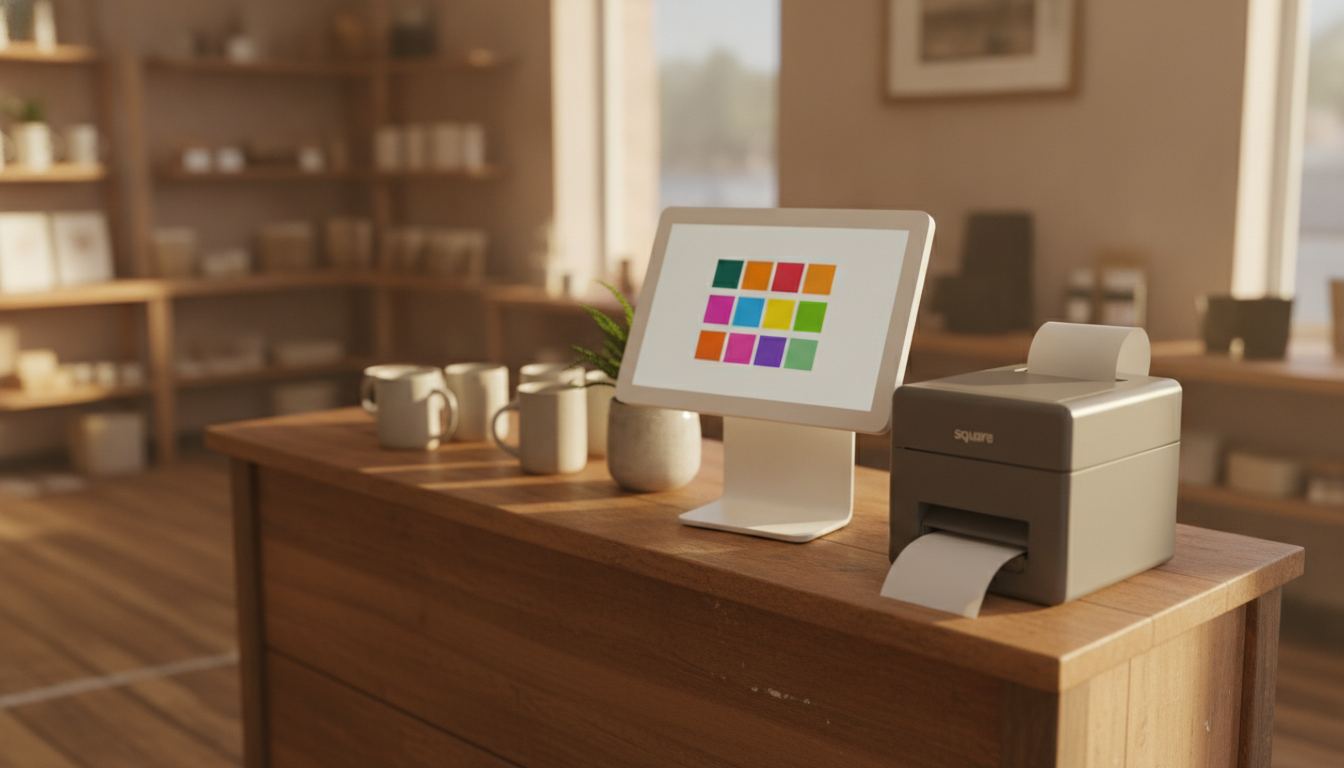
Square POS cost for a liquor store has two tests: the full monthly stack and whether the setup handles the store’s catalog and regulated checkout without workarounds. The bill depends on the software package, hardware arrangement, optional tools, and card processing generated by your own sales mix.
Build the monthly Square total first
There is no single figure you can copy into a budget without defining the setup first. Start with Square’s current pricing page, retrieved 2026-09-11: Free is $0 per location, Plus is $49, and Premium is $149. Square’s our-fees page on the same date lists tap, dip and swipe at 2.6%, 2.5% and 2.4% plus 15 cents, online at 3.3% plus 30 cents or 2.9% plus 30 cents, and keyed at 3.5% plus 15 cents. Read Square’s own pages for the numbers you would actually pay.
A published software price is only one part of the answer. Hardware may be purchased separately or paid over time. Extra functions may have their own charges. Card processing then changes with the type and value of transactions your store accepts.
This distinction matters when comparing Square with another register. One provider may separate software and processing, while another packages parts together. Our guide to POS system costs explains how to compare the complete setup instead of one attractive line on a pricing page.
What belongs in the monthly total?
Count every required cost, including expenses that do not arrive as a monthly subscription. This gives you a fair working total and prevents a low software price from hiding a more expensive store setup.
Review these parts separately:
- Core POS software for the product and plan you need
- Register, display, scanner, receipt printer, cash drawer and payment terminal
- Optional inventory, payroll, loyalty, marketing or staff tools
- Card processing based on your actual transaction mix
- Contract conditions, replacement terms and paid support
- Supplies and equipment that your current counter cannot reuse
For hardware bought outright, spread the purchase over the period you realistically expect to use it. Then add the processing charges from a typical sales period. Our card processing fee guide explains why sales volume and transaction type matter more than a software subscription alone.
Ask what happens when equipment fails or your needs change. A cheap starting setup can become awkward if replacing a terminal, adding a register or leaving the service carries conditions you did not include in the original comparison.
When is Square a sensible choice?
Square can be a sensible choice when its current product matches your counter without complicated workarounds. If the available tools cover your catalog, checkout flow and reporting needs, staying with a straightforward setup may be better than buying more system than you need.
Do not switch merely because another vendor presents a different fee structure. A familiar register has value when staff can use it confidently and the inventory count is dependable. Changing systems creates work, even when the new system is a better long-term fit.
The deciding factor should be your store’s real workload. Compare the functions you use during receiving, checkout, returns and closing. If Square performs those jobs cleanly at a total cost you understand, it deserves a place on the shortlist.
Where can a general POS setup fall short for a liquor store?
A general POS setup can fall short when store-specific inventory work becomes harder than checkout itself. Liquor stores need clear product records, reliable barcode handling and practical receiving tools across bottles, cases and changing vendor orders.
Before choosing any system, test the awkward products in your catalog. Check case breaks, similar package sizes, duplicate descriptions, promotions and items sold in different units. Our guide to inventory management covers the controls that keep the shelf count connected to the register.
Age-restricted sales deserve the same attention. A prompt at checkout is not the whole workflow. Staff need a process they can follow consistently, while requirements can vary and change. Read our age verification overview, then confirm the rules that apply to your business through the appropriate primary sources.
Square may suit some stores and not others. Ask for a demonstration using your own product examples. If an essential task needs repeated manual correction, include that labor in the comparison even when it does not appear on an invoice.
How should you compare Square with another POS provider?
Compare both providers against the same written checklist and the same store data. Use a representative sales period, your current product list and the equipment already sitting at the counter.
Ask each provider to separate software, equipment, optional tools, processing and contract conditions. Look for what is included, what is optional and what happens when you add another device or change services. Counter Club publishes its terms on the pricing page, giving you another written structure to compare with Square’s current page.
Our own published rate is 2.50% + $0.10 on an in-person sale and 2.90% + $0.25 keyed or online, with a $0.00 monthly fee. Sample pricing applies to new accounts applying directly. Pricing is subject to underwriting, MCC and the merchant agreement; rates may differ and are subject to change.
Price should not erase operational fit. Have each provider demonstrate receiving stock, finding an item, handling a return and reviewing a shift. A lower expected bill is not useful if the system adds correction work every day.
If the comparison supports a change, plan the move around inventory preparation, product cleanup and staff practice. Our guide to switching POS systems shows what to settle before the old register is disconnected. If the evidence favors keeping Square, keep it and revisit the decision when your needs materially change.
Frequently asked questions
Can Square be used without a paid monthly software plan?
Do not assume every Square product has the same plan structure. Open the company’s current pricing page and choose the exact product your store would use. Check which functions are included, which require a paid plan and whether any separate tools are necessary. A plan that looks sufficient on paper should also be tested against your inventory and checkout routine.
Does Square hardware count toward the monthly cost?
Yes, hardware belongs in your comparison even when you buy it outright. Convert the purchase into a realistic monthly ownership cost, then include any financed equipment, replacements and accessories your counter requires. A phone or tablet setup may need different supporting equipment than a complete register, so compare the working counter rather than the payment device by itself.
Why does processing change the real monthly expense?
Processing follows actual card activity rather than acting like a fixed software subscription. The total can change with sales volume, transaction size and how payments are entered. Use your own recent statements when comparing providers. That gives you a better estimate than applying a single advertised rate to every sale, especially when your store accepts a varied mix of payments.
Is Square a good POS system for a liquor store?
It can be when its current tools match the store’s catalog, receiving process and checkout needs. Test it with real product records before deciding. Pay close attention to bottle and case handling, barcode searches, inventory adjustments, returns and age prompts. If those daily tasks work cleanly, the system may be a practical fit. If they require workarounds, compare liquor-store-specific options.
Should I replace Square if it already works?
Not automatically. Switching is worthwhile when the present system creates measurable problems with inventory, checkout, reporting or costs. If Square handles the work reliably and you understand the charges, changing providers may only add disruption. Document the problem first, compare complete alternatives and move only when the expected improvement is clear. You can get in touch if you want help reviewing the fit.